Ergotron
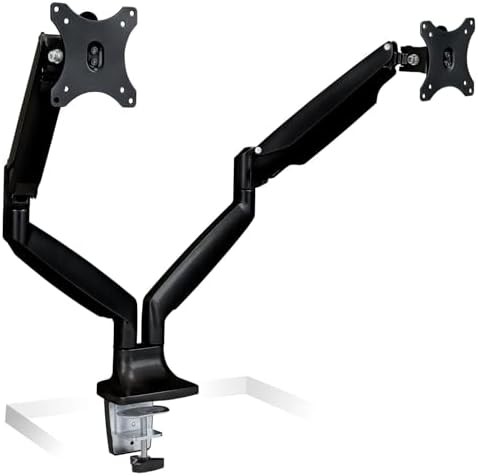
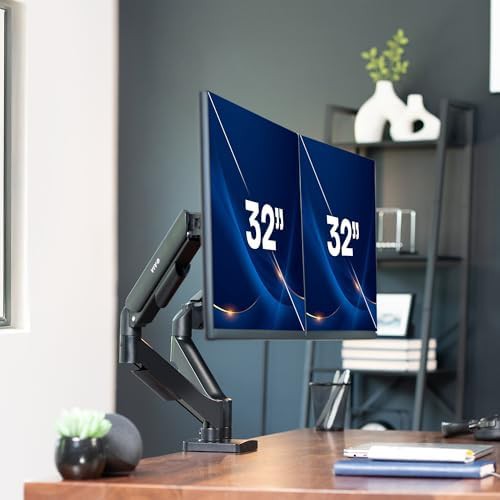
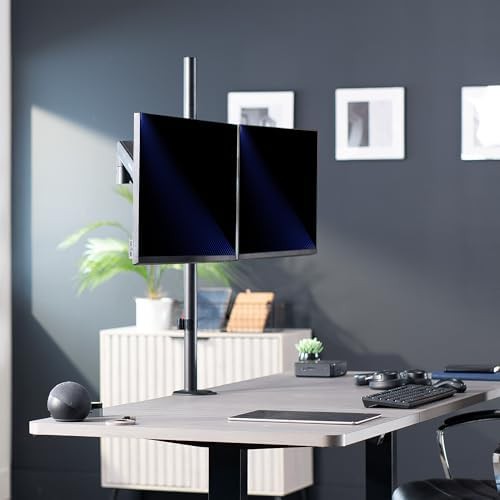
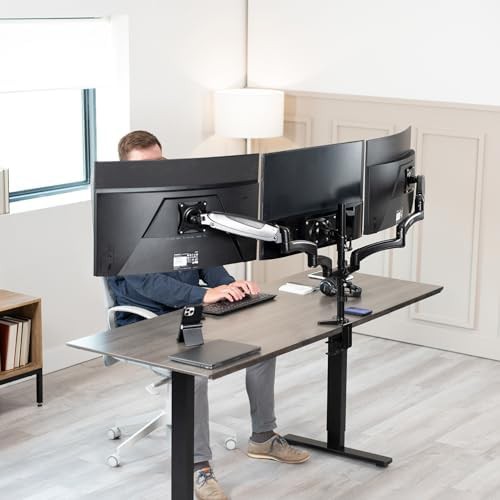
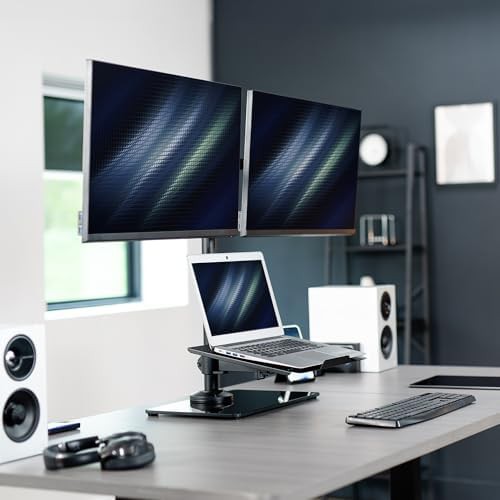
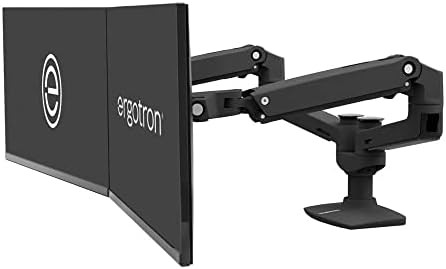
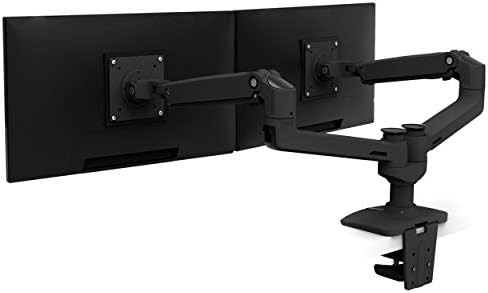
Matte black LX dual monitor tall pole mount
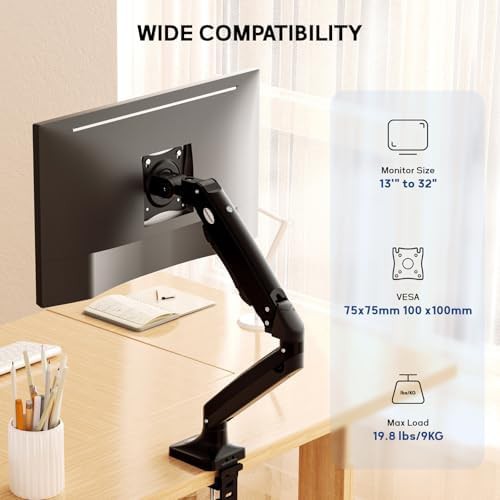
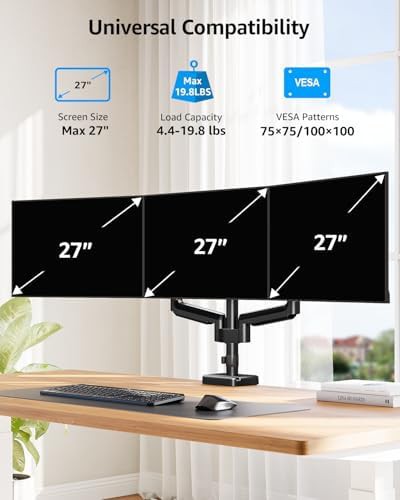
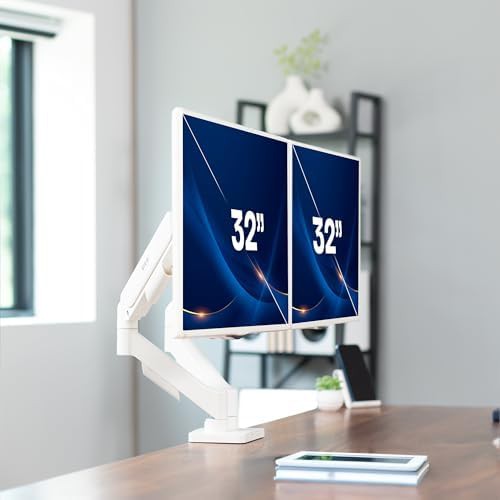
Up–27" Black 100x100 VESA 75x75 VESA Dual C-Clamp monitor mounts
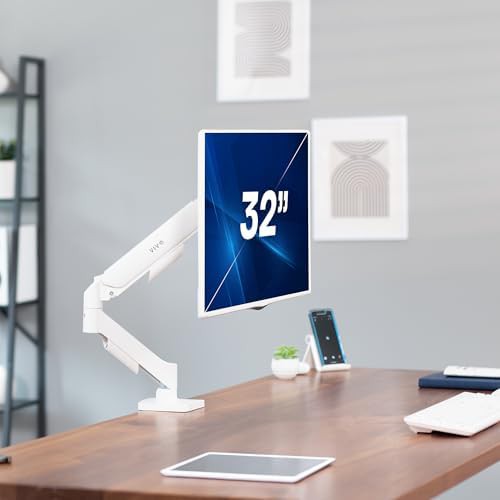
Multi-jointed arms that provide a full range of motion and reach 32 arms · 15 brands
Up–27" Black 100x100 VESA 75x75 VESA Dual C-Clamp monitor mounts
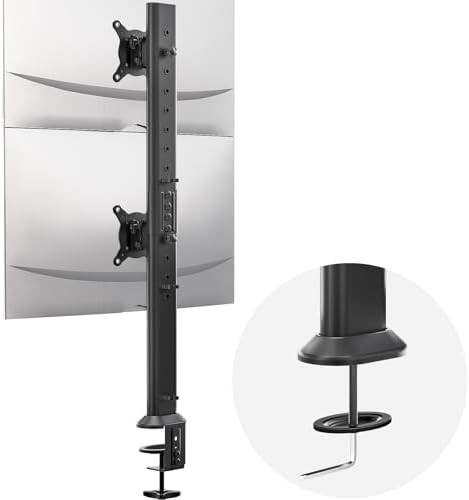
100x100 VESA 75x75 VESA Dual C-Clamp monitor mounts Cheap
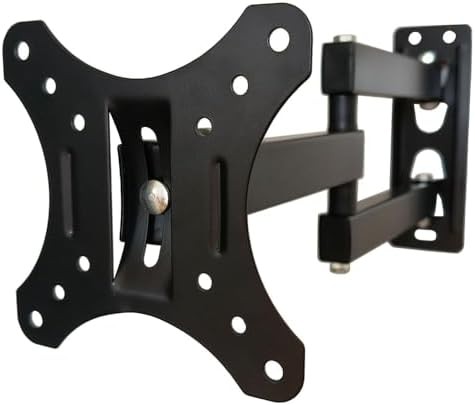
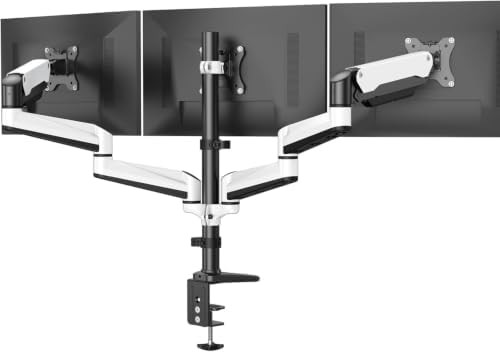
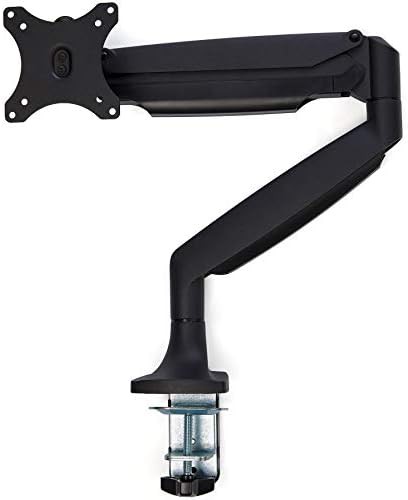
Up–32" 100x100 VESA 75x75 VESA C-Clamp monitor mounts Grommet base
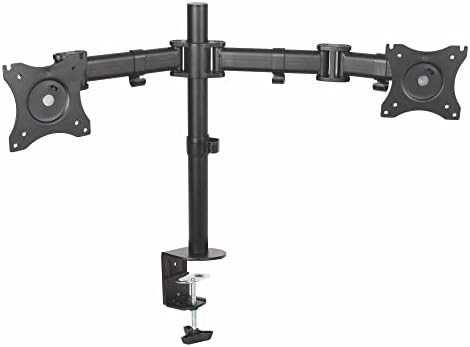
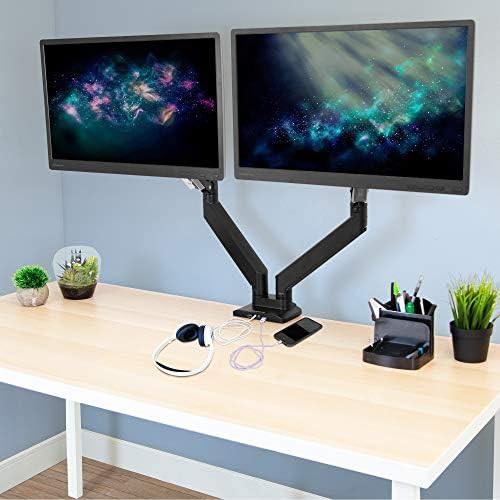
Up–27" 100x100 VESA 75x75 VESA Dual Grommet base Height adjustable monitor stands
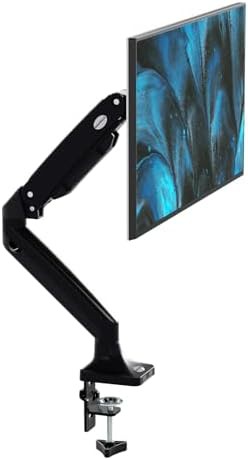
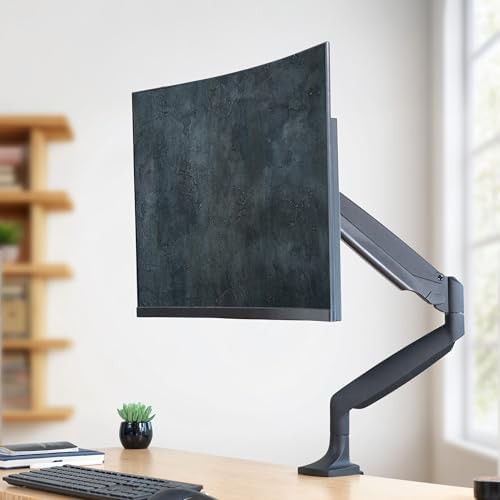
Up–35" 100x100 VESA 75x75 VESA Single Height adjustable monitor stands Gas spring
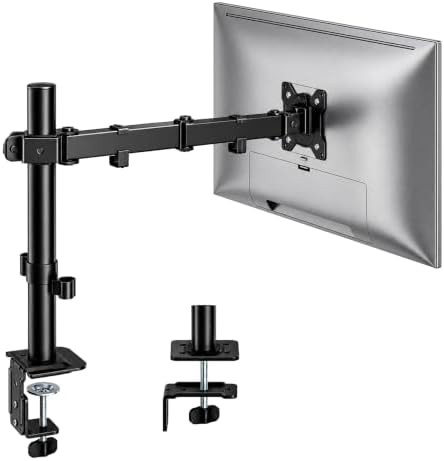
Up–32" 100x100 VESA 75x75 VESA Cheap Gaming monitor mounts
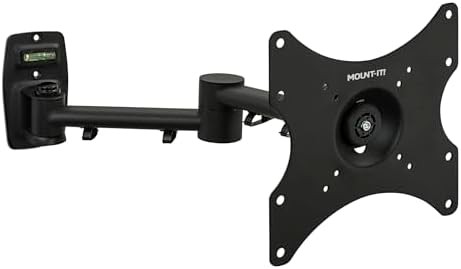
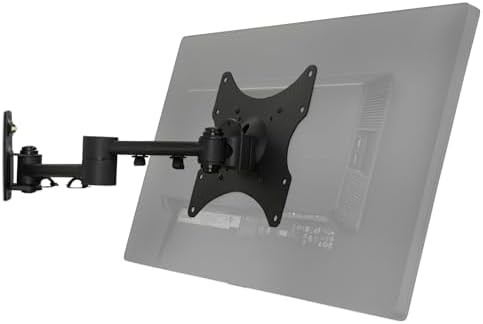
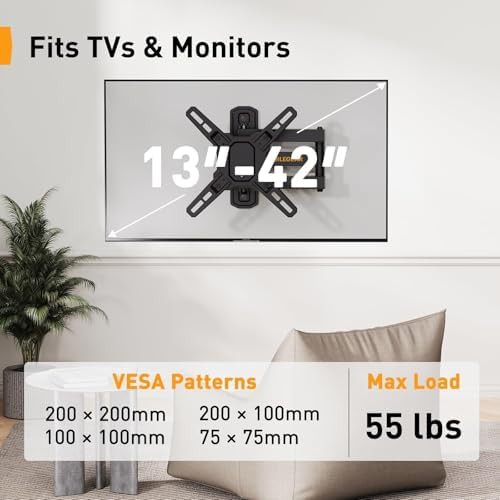
75x75 VESA Single Quick release Wall mounted 200x200 VESA
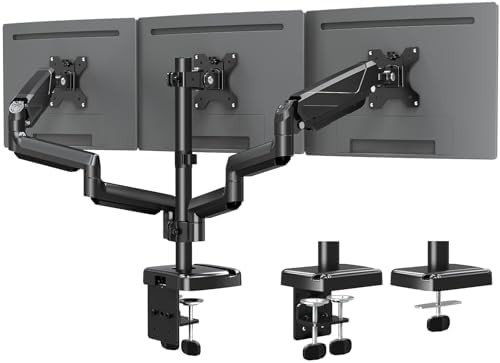
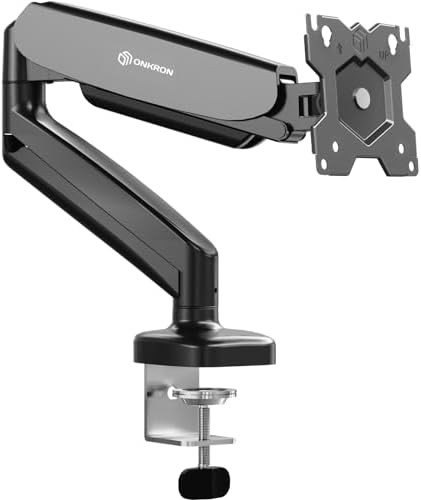
Up–32" Black 100x100 VESA 75x75 VESA Single
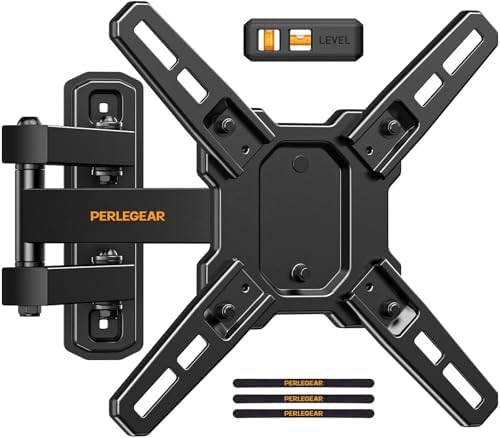
75x75 VESA Single Aluminum Wall mounted 200x200 VESA
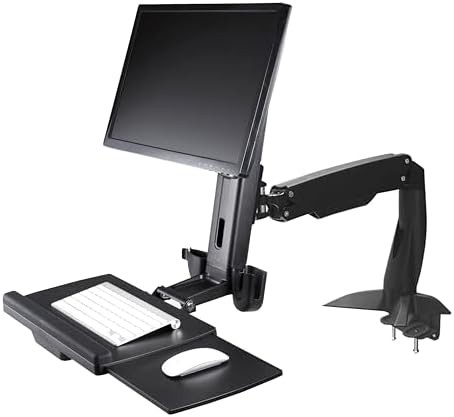
Up–27" 100x100 VESA 75x75 VESA Single Height adjustable monitor stands
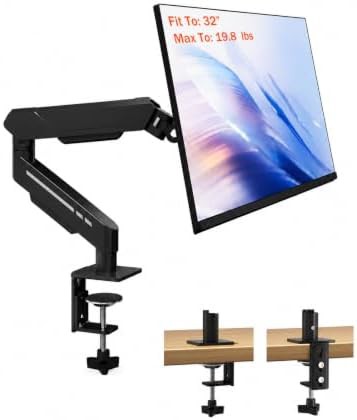
17" Black 100x100 VESA 75x75 VESA C-Clamp monitor mounts
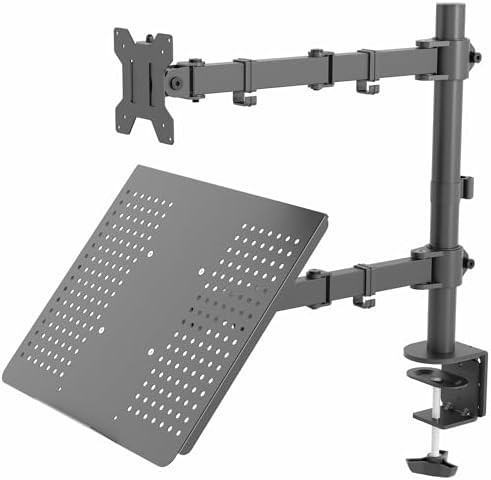
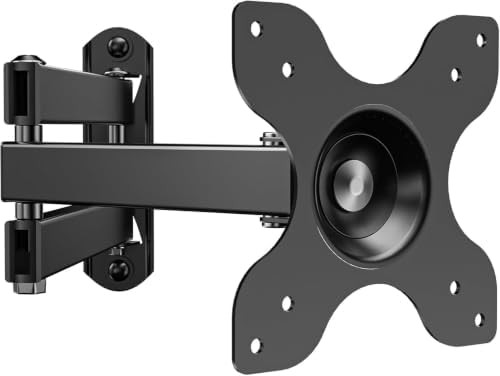
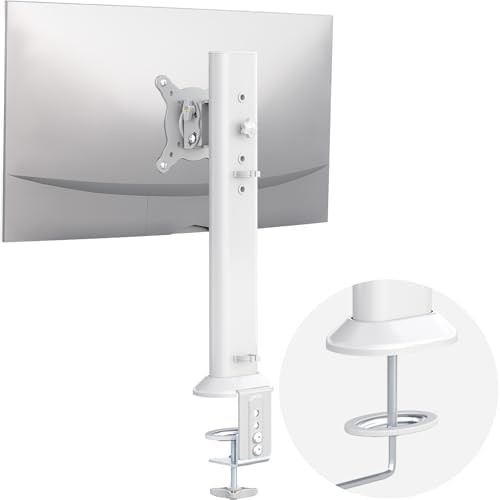
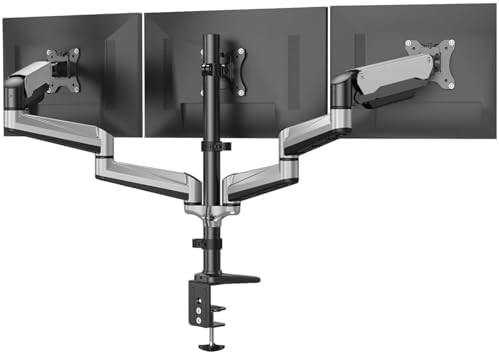
Up–32" 100x100 VESA 75x75 VESA C-Clamp monitor mounts Grommet base
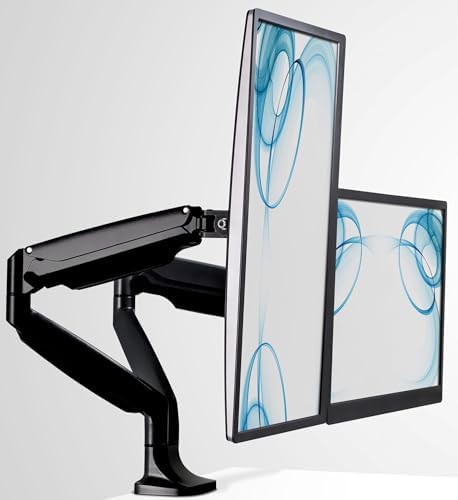
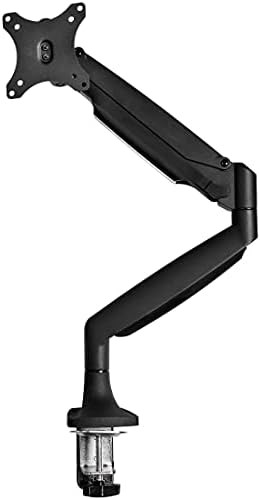
Up–32" Black 100x100 VESA 75x75 VESA Single
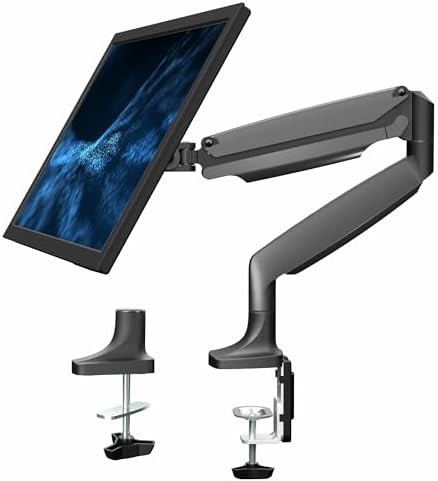
Up–32" 100x100 VESA 75x75 VESA Single Height adjustable monitor stands Aluminum
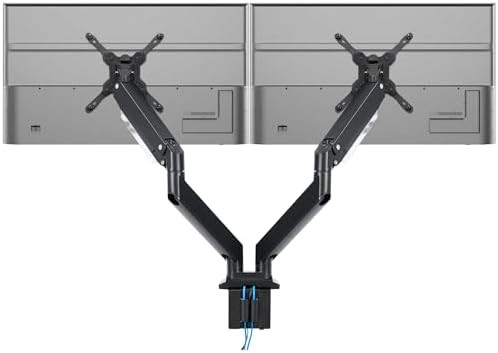
Up–35" Dual Gas spring Aluminum With cable management
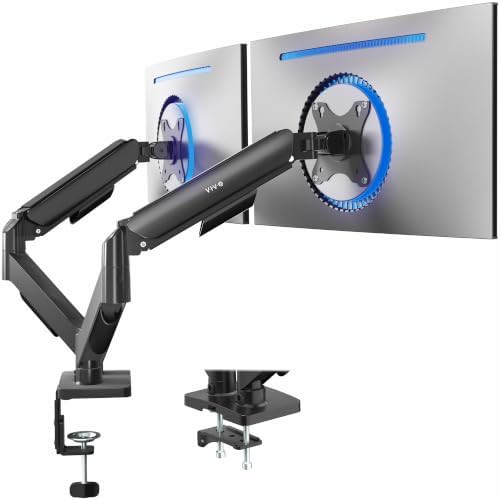
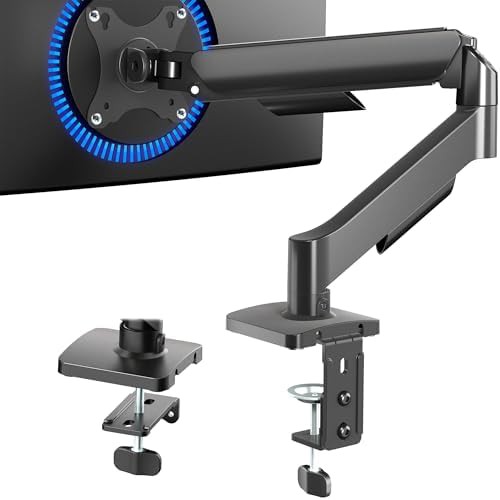
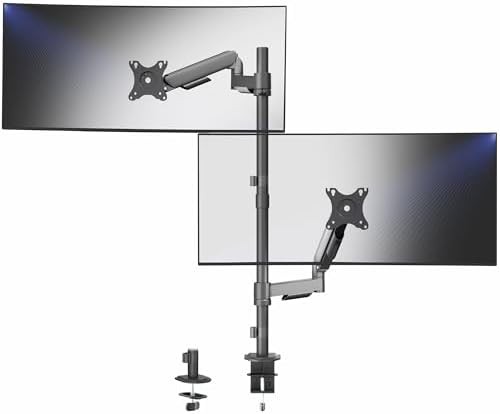
Up–32" 100x100 VESA 75x75 VESA Dual C-Clamp monitor mounts
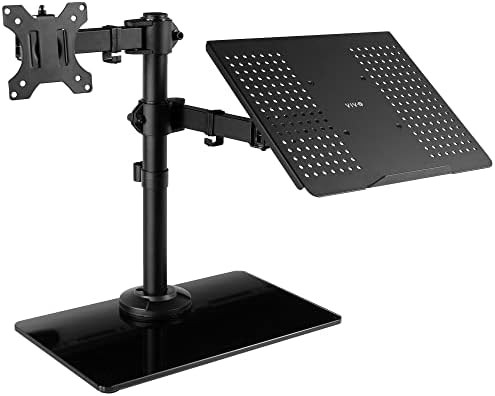
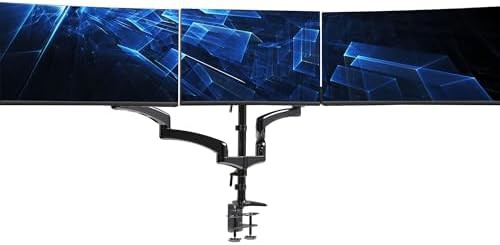
Up–32" Black 100x100 VESA 75x75 VESA C-Clamp monitor mounts
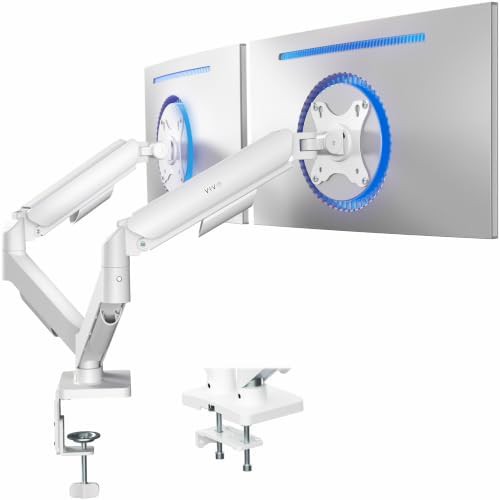
Up–32" 100x100 VESA 75x75 VESA Dual Gaming monitor mounts
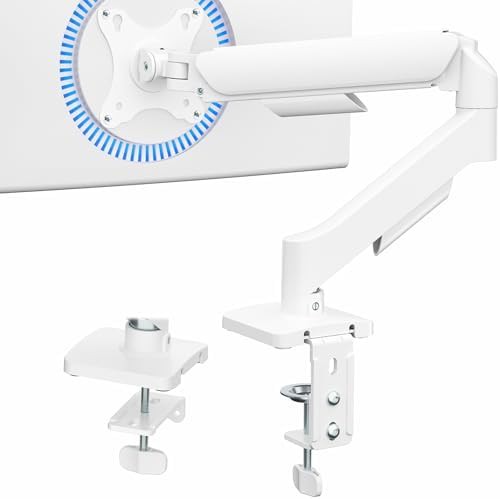
Up–32" 100x100 VESA 75x75 VESA Single Gaming monitor mounts
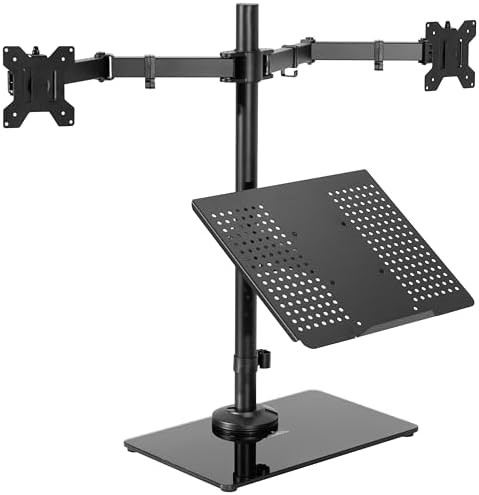
17" Black 100x100 VESA 75x75 VESA Freestanding monitor stands
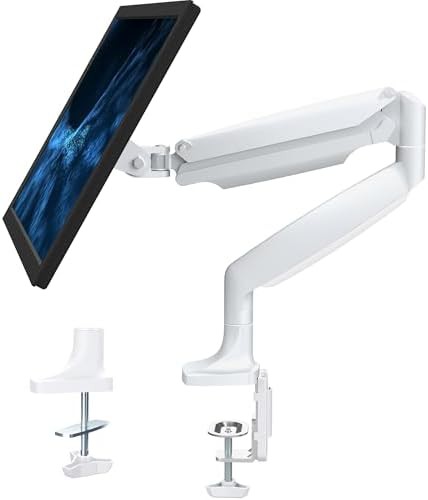
Up–32" 100x100 VESA 75x75 VESA Single Height adjustable monitor stands Aluminum
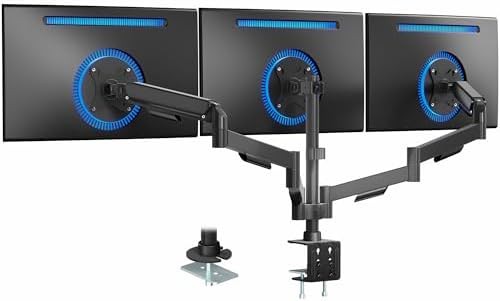
Up–27" Black 100x100 VESA 75x75 VESA C-Clamp monitor mounts Grommet base
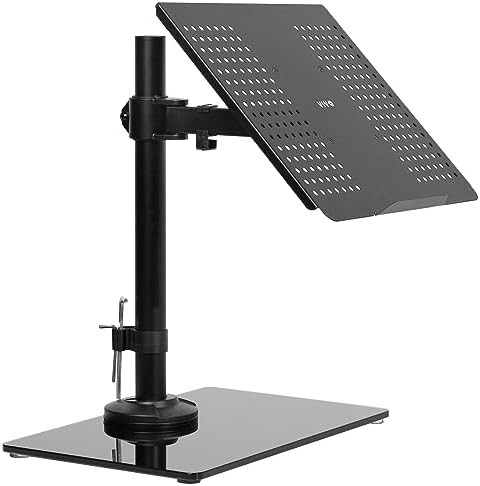
17" Black Single Height adjustable monitor stands With cable management
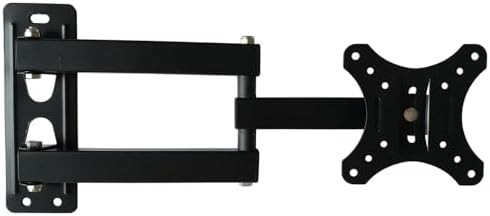
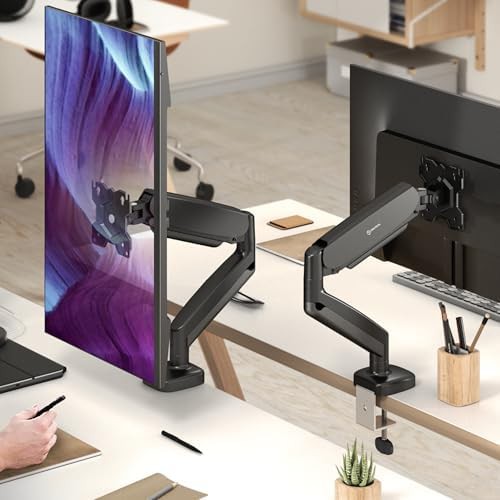
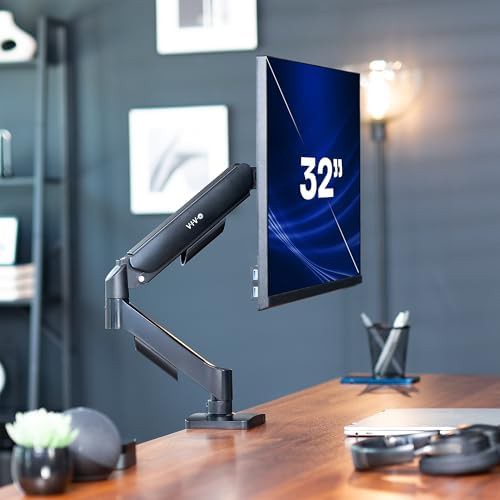
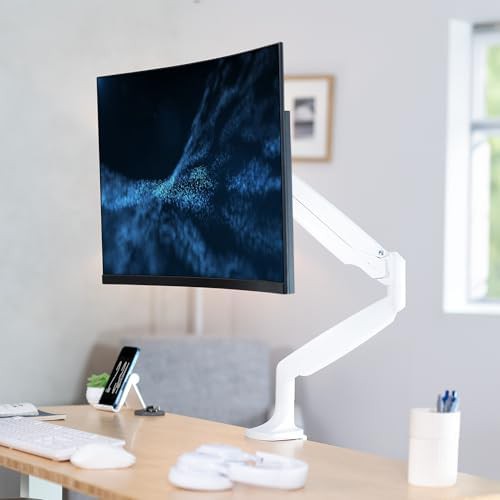
Static stands often force the user to adapt to the monitor, but articulating arms flip that relationship. These multi-jointed tools allow for tilting, swiveling, and rotating, giving you the freedom to transition from a focused writing session to a collaborative screen-sharing moment in seconds. They are the essential upgrade for anyone who finds themselves fidgeting with their posture throughout the day.
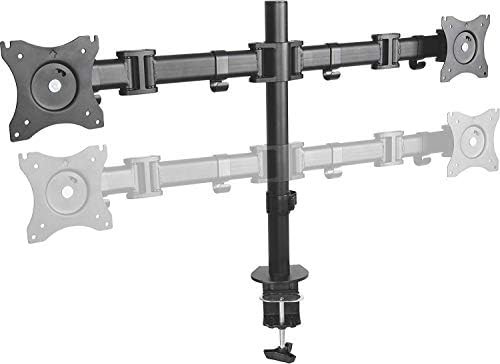
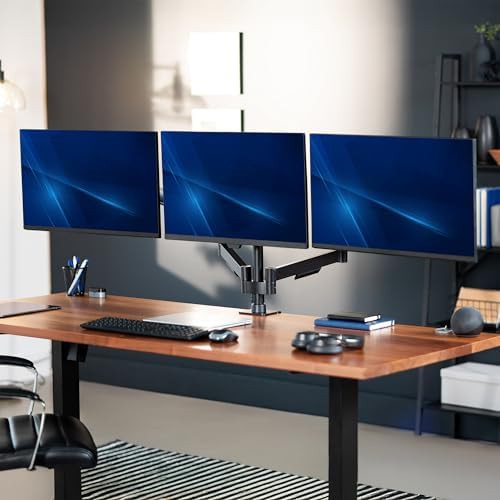
The mechanical joints provide a wide range of reach, allowing you to pull the screen forward for detailed design work or push it back to clear space for physical paperwork. This flexibility is particularly useful in multi-user environments or gaming setups where the ideal viewing angle changes based on the task at hand.
The articulating category includes a diverse array of engineering approaches, from simple friction-based joints to sophisticated mechanical springs. These designs ensure that even heavier displays remain stable at any height or angle you choose.
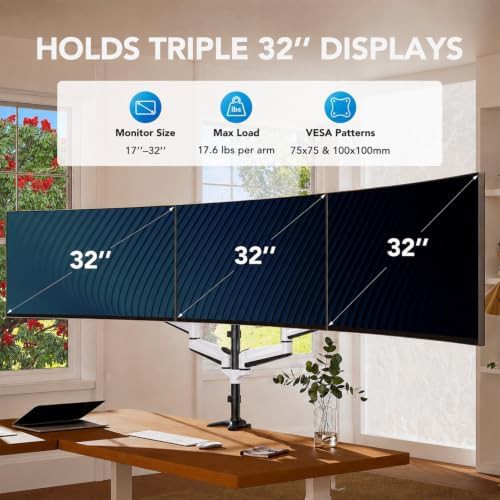
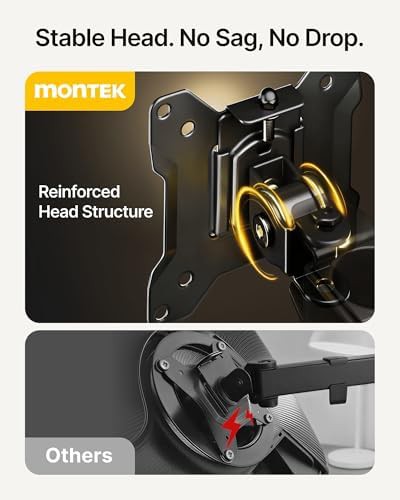
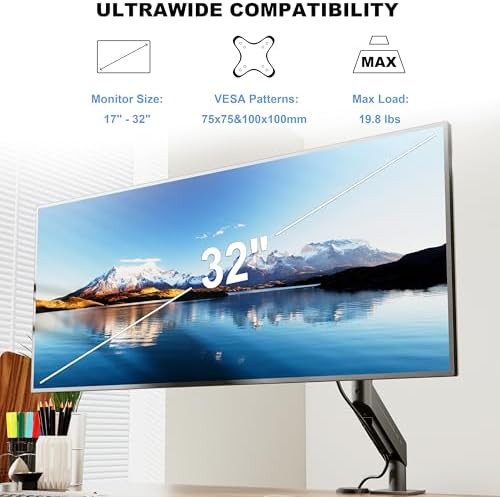
Beyond mere movement, these arms help declutter the desktop by lifting the monitor base entirely off the surface. This creates a floating effect that makes even a small desk feel more spacious. Brands like MOUNTUP and Mount-It! focus on providing sturdy, articulating points that resist sagging, ensuring your 17.6 lbs or 19.8 lbs monitor stays exactly where you set it.
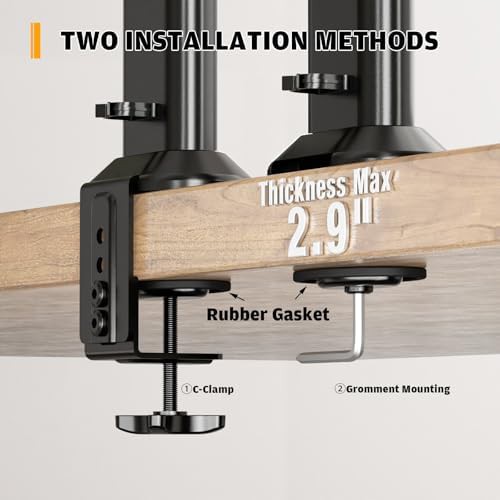
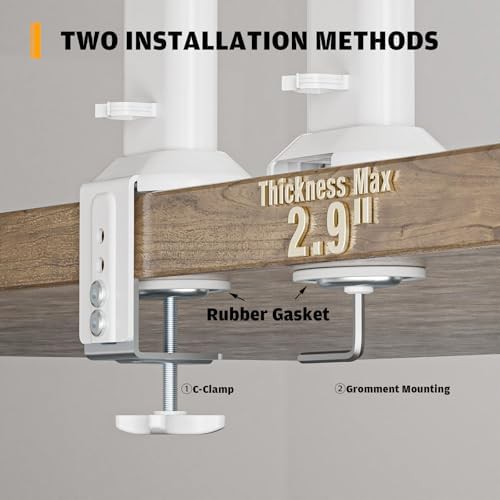
As you look through the options, pay attention to the mounting style—whether it is a classic C-clamp or a more permanent grommet solution. Each brand page offers a deeper look into the specific articulation degrees, helping you find a mount that provides the exact reach required for your specific desk depth.