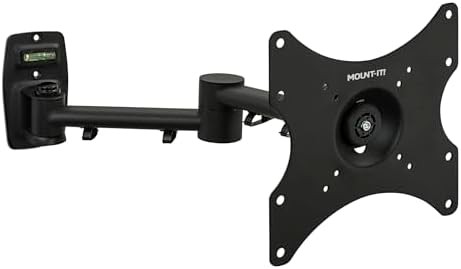
Check your monitor weight
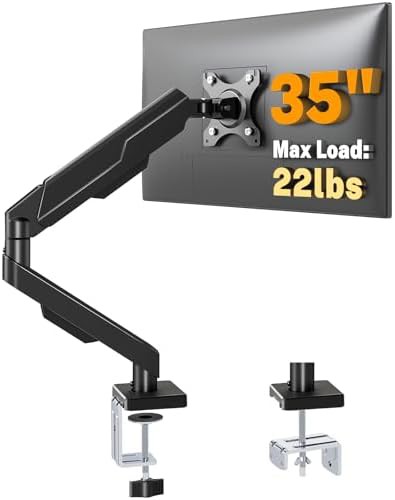
Consult your screen's manual for its weight without the stand to ensure it falls within the arm's rated capacity.
Transform your workspace from a cluttered surface into a streamlined cockpit. Our catalog indexes the hardware necessary to lift your displays, improve your posture, and reclaim your desk real estate.
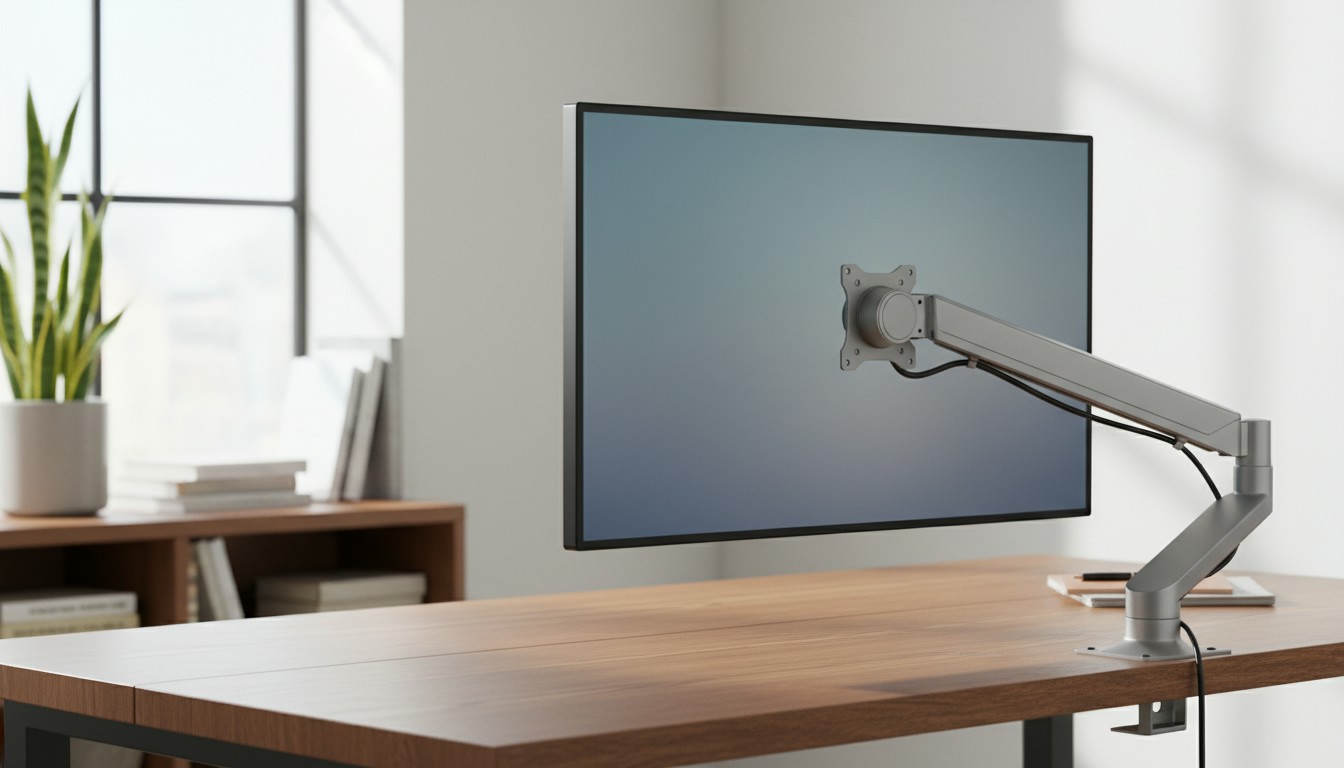
We bypass the marketing noise to focus on the physical specifications that determine if a mount will actually work for your setup.
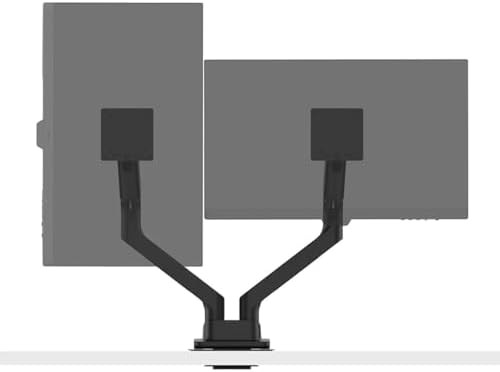
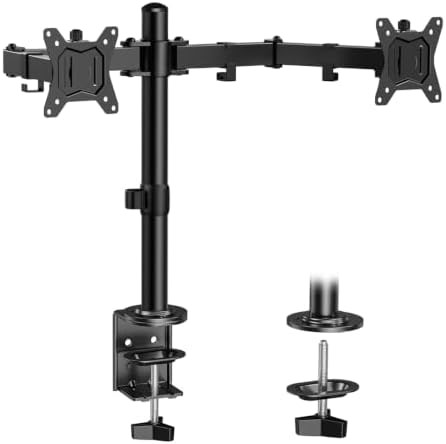
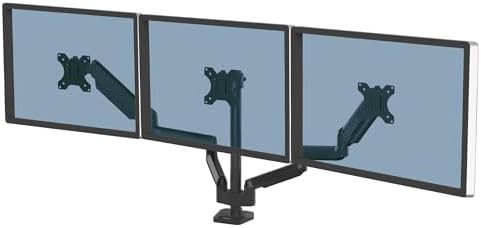
Explore specialized selections for gaming rigs, professional office suites, and multi-screen creative workstations.
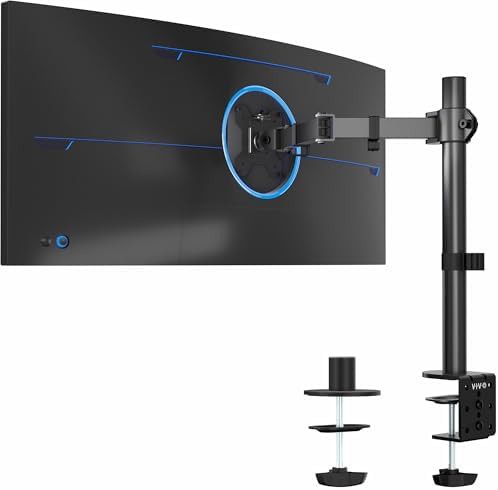
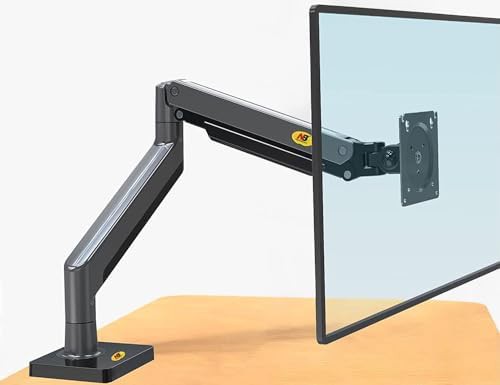
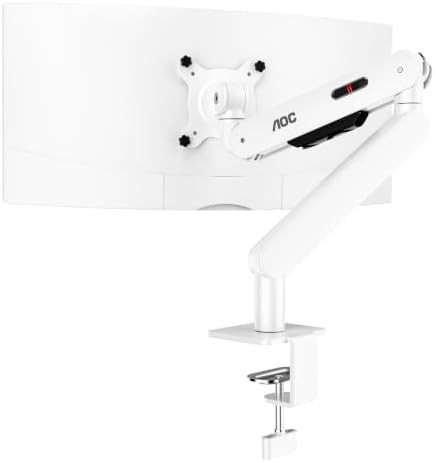
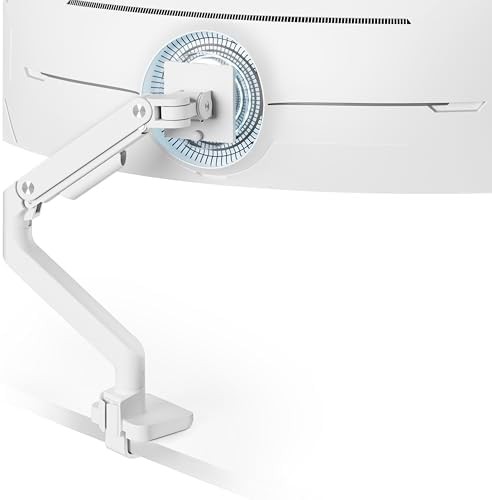
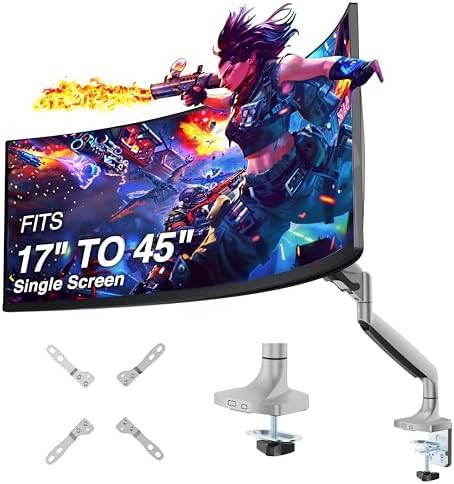
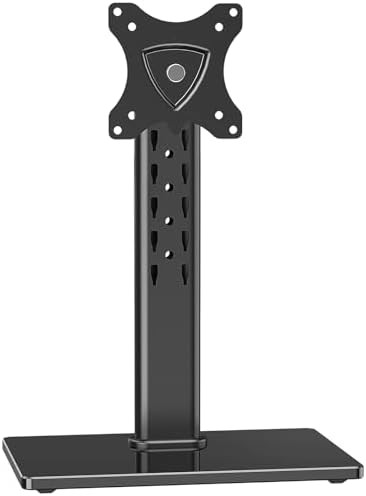
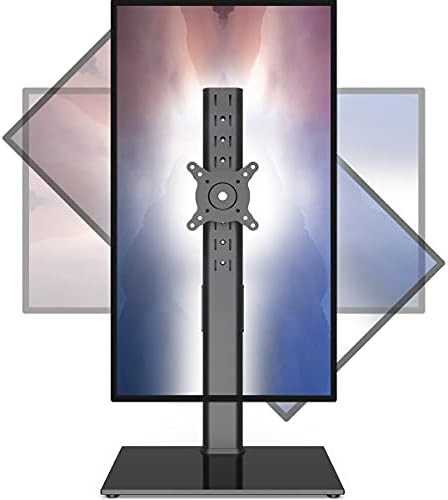
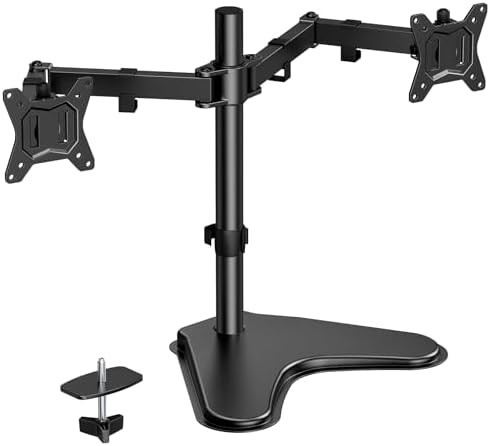
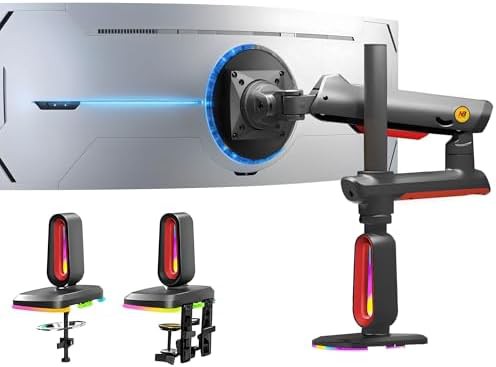
Create an expansive workspace with versatile mounts designed to support everything from standard office displays to massive ultrawide screens
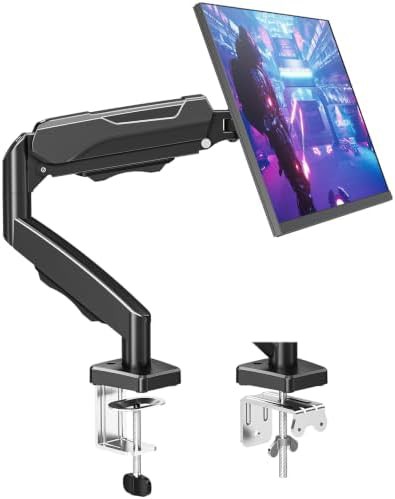
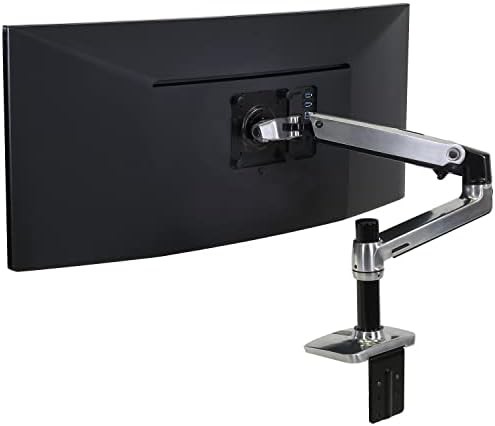
Elevate your visual experience with heavy-duty arms that offer fluid height adjustment and integrated connectivity for modern professional environments
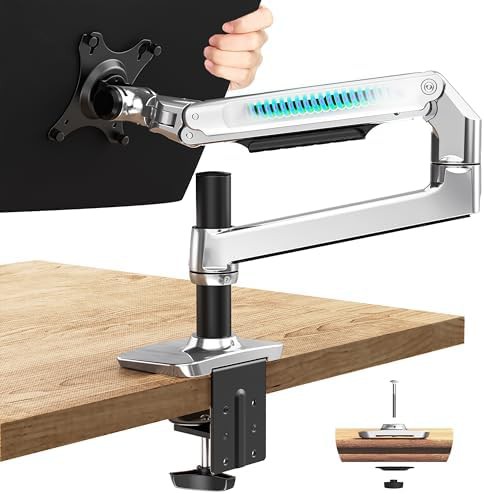
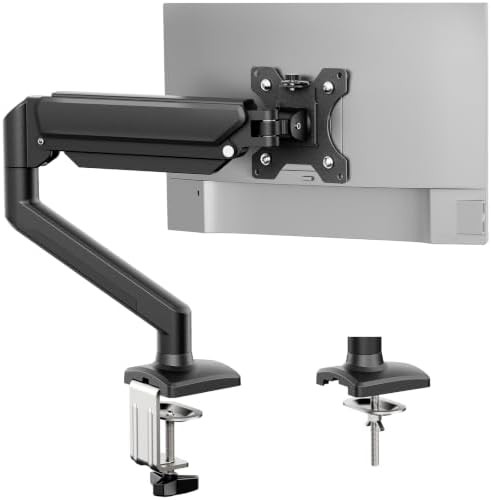
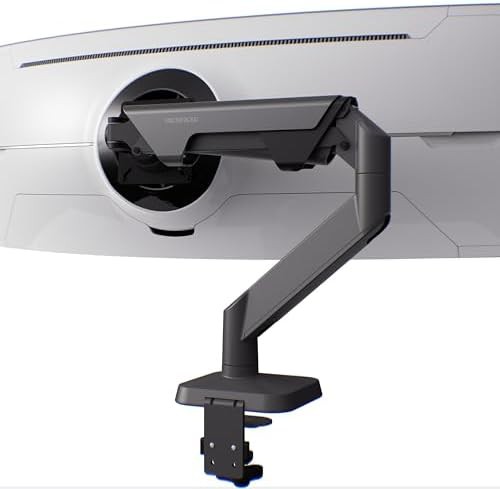
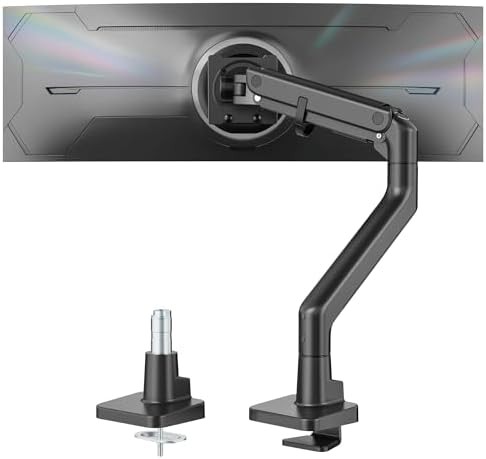
Optimize your ergonomic alignment with premium aluminum mounts featuring mechanical spring technology for heavy displays
Filter through 413 live products to find the exact arm for your screen size and mounting preference.

Consult your screen's manual for its weight without the stand to ensure it falls within the arm's rated capacity.
Most displays use a 75x75 or 100x100 bolt pattern; verify your monitor has these threaded holes before selecting a mount.
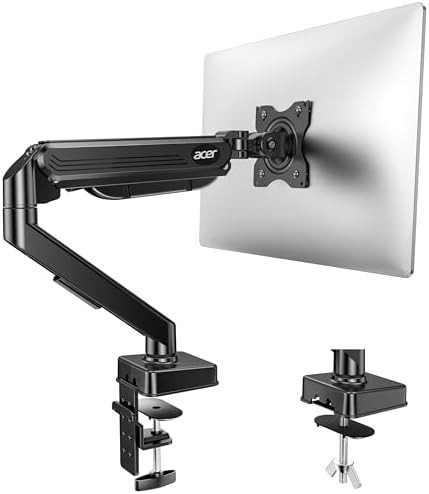
Measure your desk thickness to ensure a C-clamp can grip the edge, or check for a cable hole if you prefer a grommet mount.
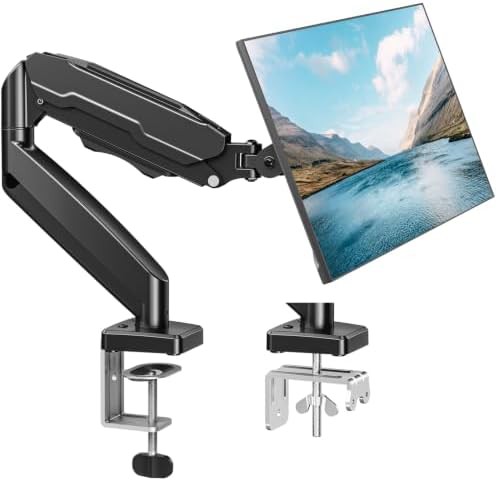
Gas spring arms use a pneumatic cylinder for effortless, fingertip height adjustments, while mechanical springs use a coiled tension system for long-term durability.
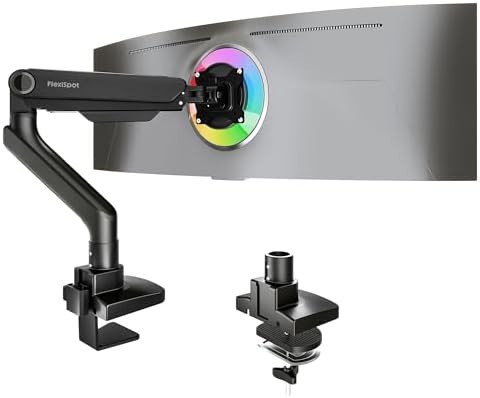
Yes, but you must select a heavy-duty arm specifically rated for the increased weight and center-of-gravity shifts common in 35 in to 49 in curved panels.
Not necessarily, as many models include a C-clamp that secures to the desk edge, though grommet mounts are available for those who prefer drilling for a cleaner look.
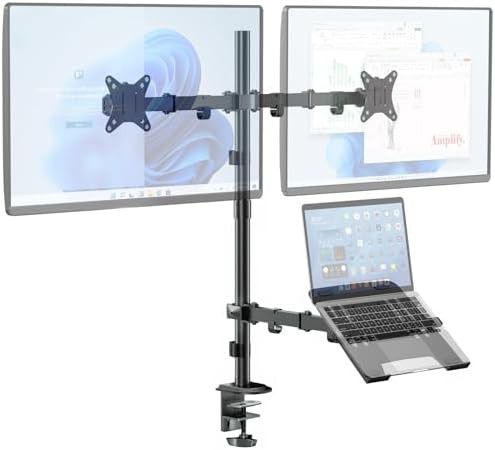
Several configurations include a dedicated laptop tray, allowing you to elevate your notebook to eye level next to a primary 27 in or 32 in display.