Monitor arms / 100x100 VESA
This group
100x100 VESA Monitor Arms
Current as of 2026-09-23
The industry standard mounting pattern for most computer monitors 284 arms · 63 brands
100x100 VESA
75x75 VESA
For 32 in screens
Single
C-Clamp monitor mounts
Dual
Grommet base
Black
Height adjustable monitor stands
Gas spring
Cheap
Aluminum
For 27 in screens
Gaming monitor mounts
Office
For 49 in screens
Heavy duty
With cable management
Triple
Ultrawide
Articulating
Mechanical spring
Quick release
Fits 17 inch
White
For 35 inch screens
Freestanding monitor stands
Wall mounted
Steel monitor stands
Fits 13 inch
200x200 VESA
With USB ports
With laptop trays
Tall pole monitor mounts
Gray
RGB gaming
Sit-stand
Fits 15.6 inch
Fits 14 inch
Best 100x100 VESA Monitor Arms
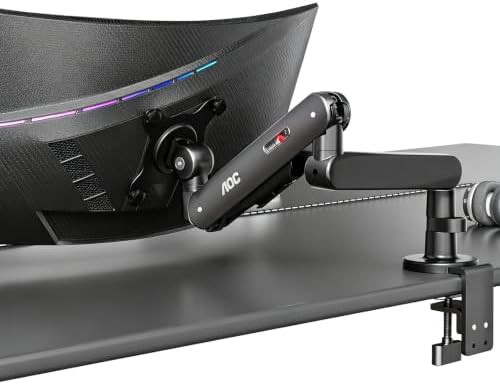
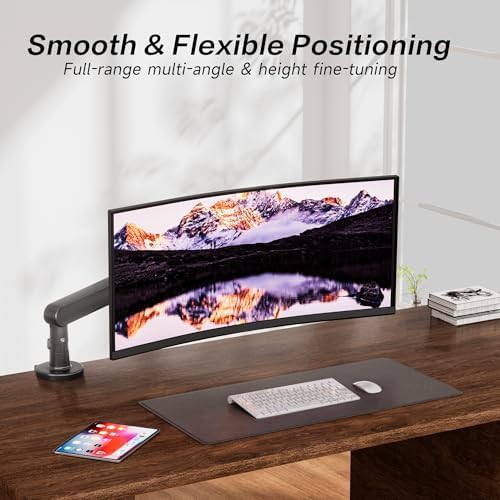
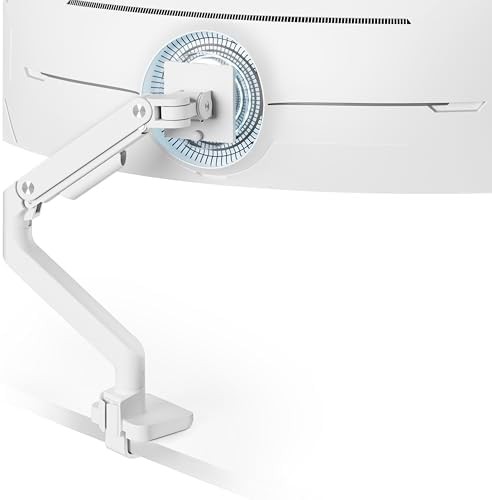
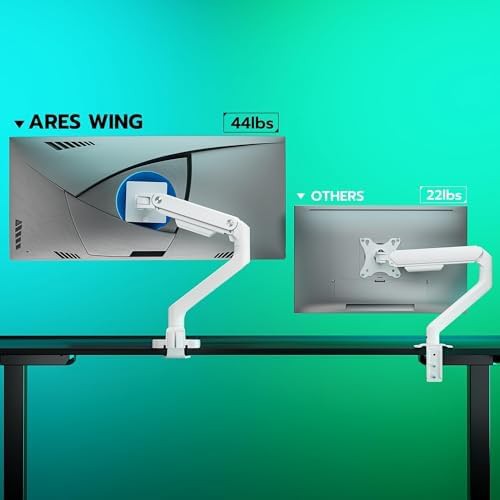
ARES WING
White Single Ultrawide Monitor Arm for 49 in Screens
Up–49" 75x75 VESA Single Ultrawide White
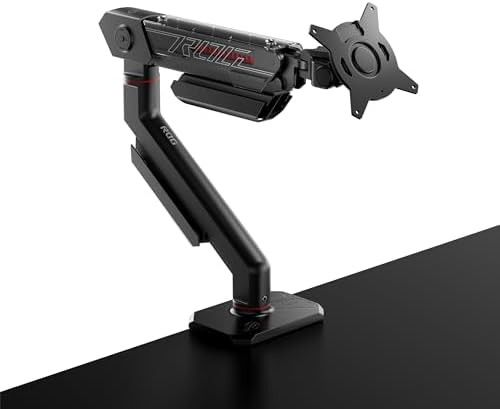
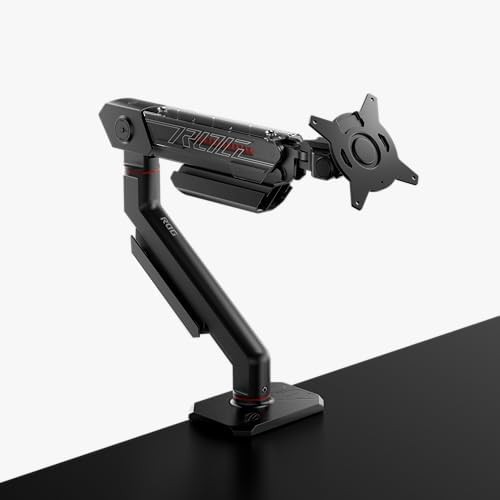
ASUS
Mechanical spring ergonomic monitor arm for 39 in screens
Height adjustable monitor stands With cable management Mechanical spring
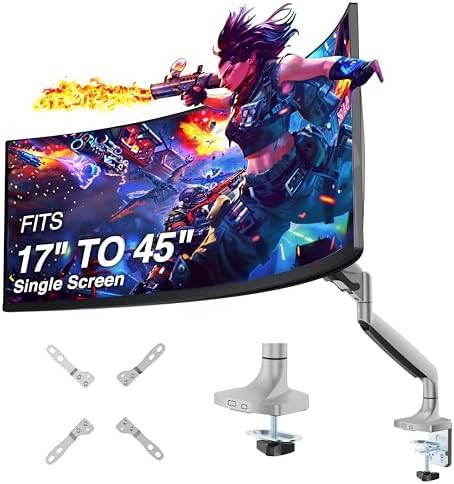
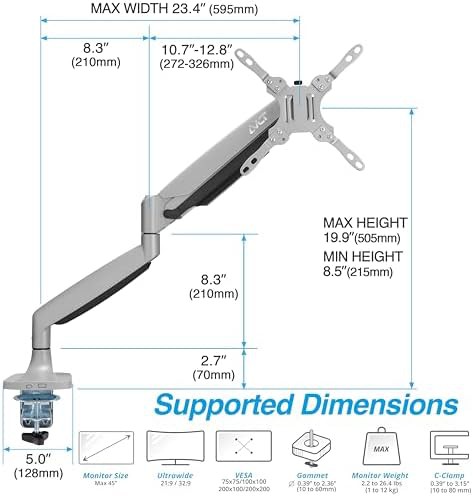
AVLT
Heavy Duty Gray Monitor Desk Mount
Gray 75x75 VESA Single With cable management Mechanical spring
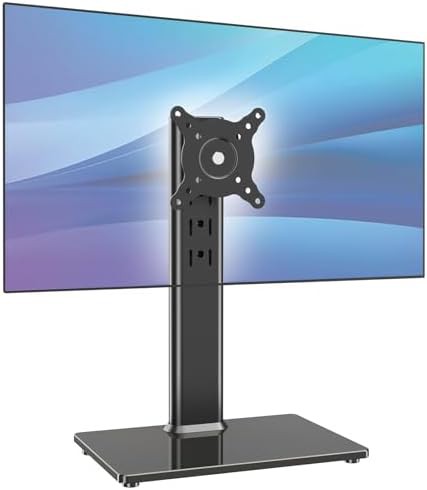
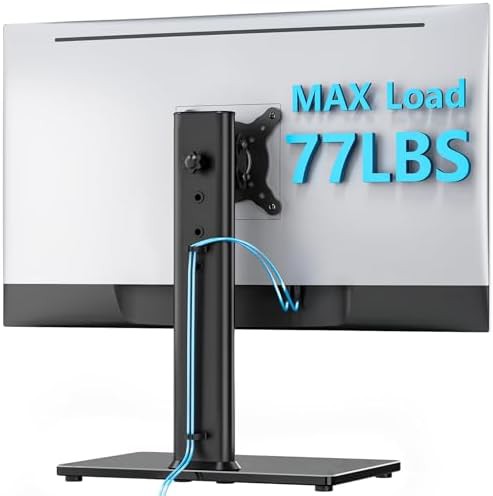
AX WABER
AX WABER single monitor desk stand black
13" Black 75x75 VESA Cheap Freestanding monitor stands
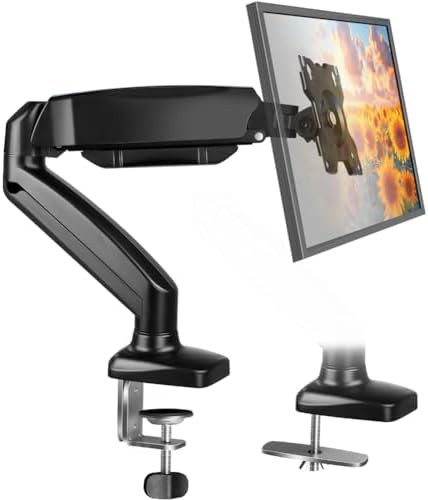
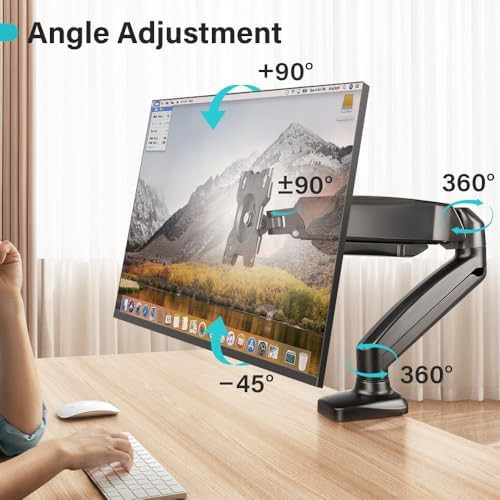
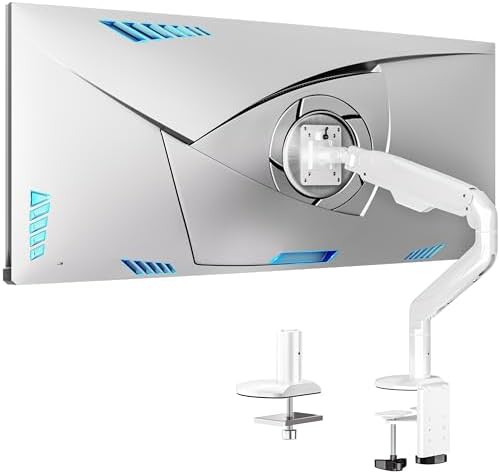
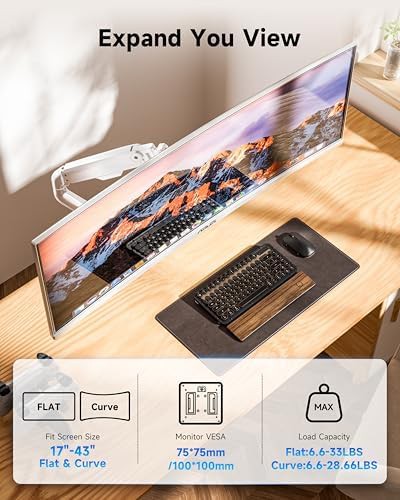
BFTOU
BFTOU black single monitor arm with clamp base
Up–32" Black 75x75 VESA Single C-Clamp monitor mounts
BIZUM
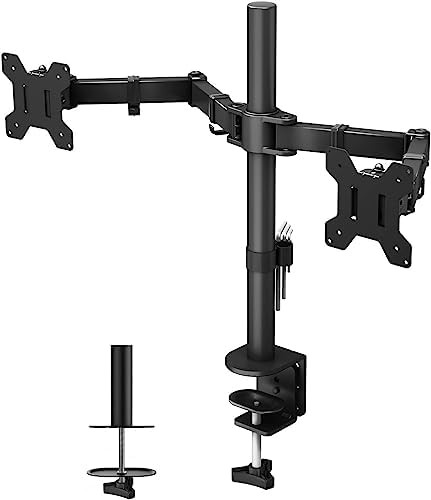
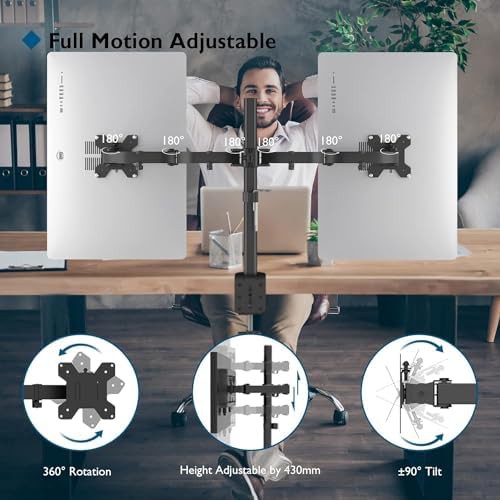
BIZUM heavy aluminum monitor arm in white
75x75 VESA Single C-Clamp monitor mounts Grommet base Aluminum
Bracwiser
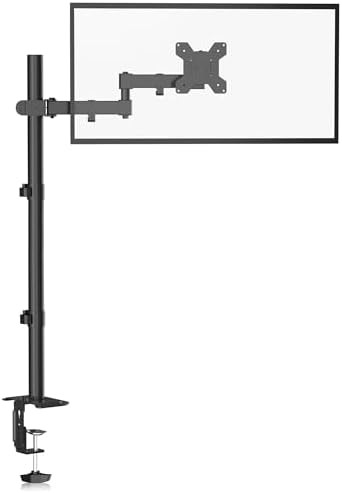
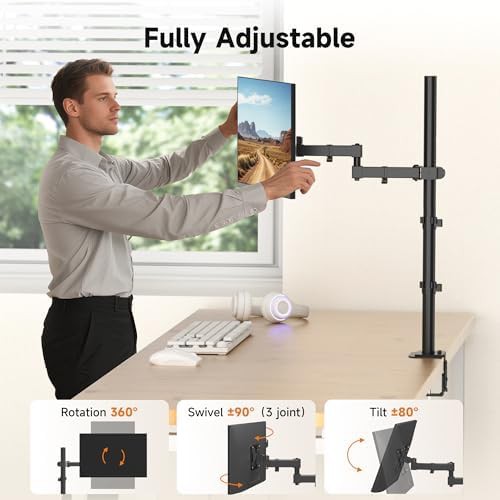
Bracwiser tall pole standing monitor arm stand
Up–27" 75x75 VESA Single C-Clamp monitor mounts Cheap
DongGuan NuoXin Electronic Trading
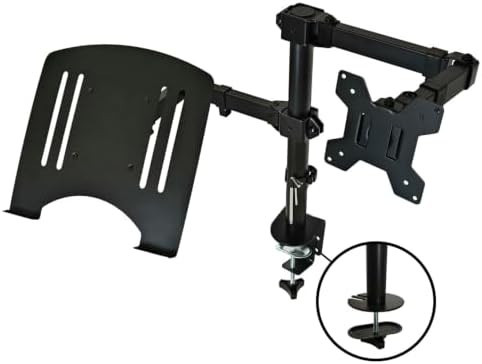
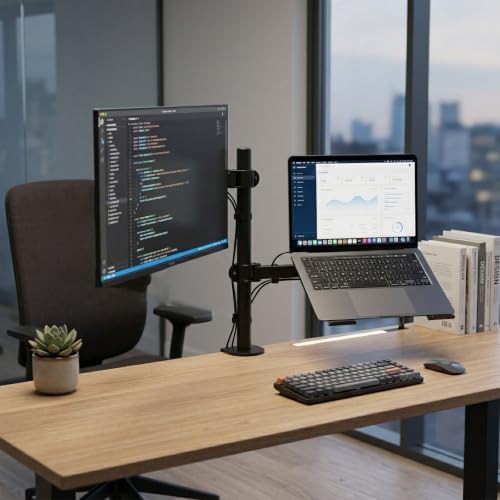
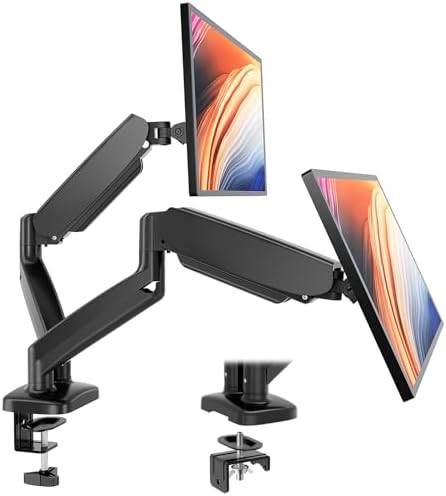
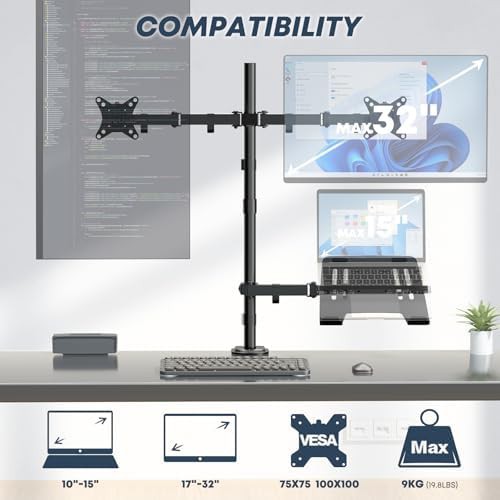
Dual VESA monitor and laptop desk mount
Up–32" 75x75 VESA Dual Gaming monitor mounts Office
EMS Mind Reader
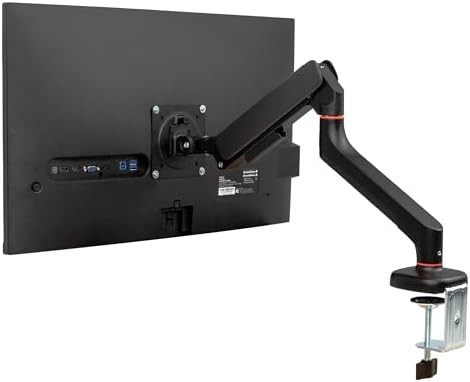
Mind Reader counter-balance gas spring arm
13" Black 75x75 VESA With cable management Cheap
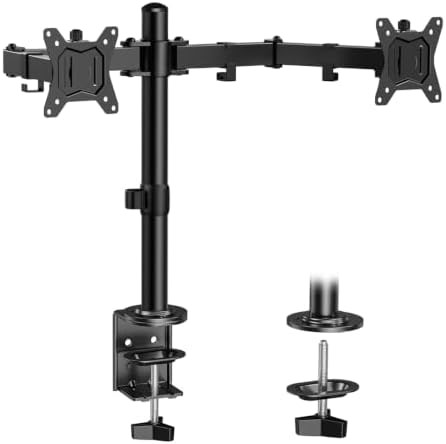
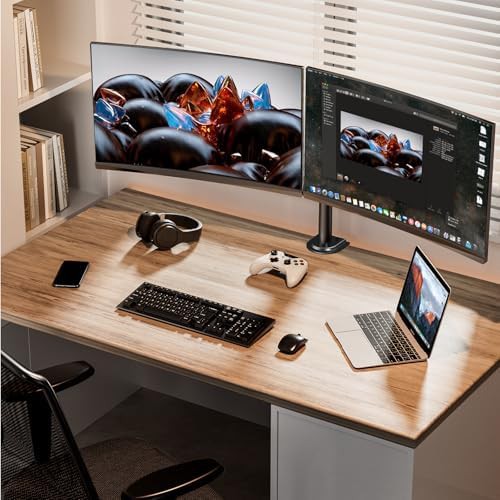
ErGear
Dual desk mount height adjustable
Up–32" 75x75 VESA Dual Height adjustable monitor stands Cheap
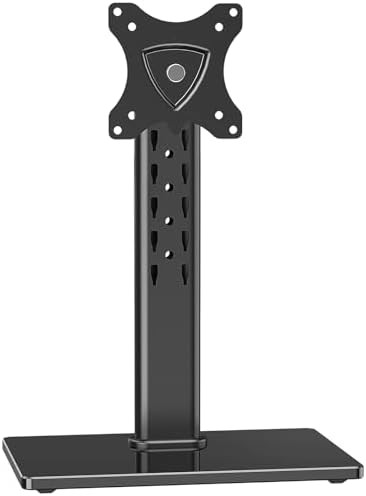
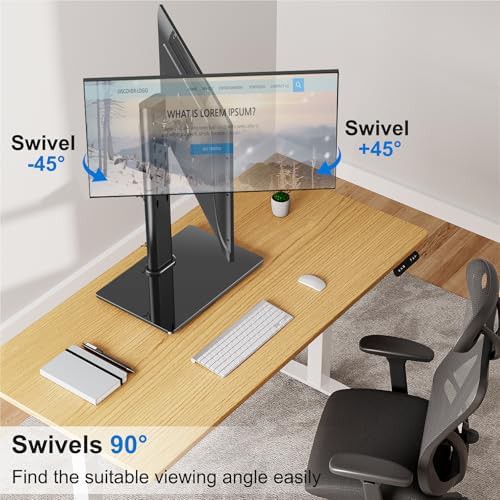
ErgoFocus
Freestanding Single Monitor Stand for 32 in Screens
Up–27" 75x75 VESA Single Cheap Freestanding monitor stands
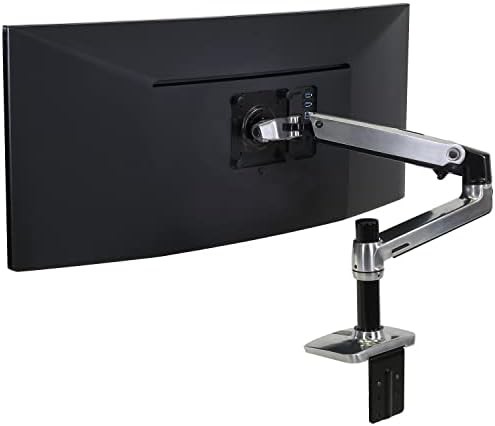
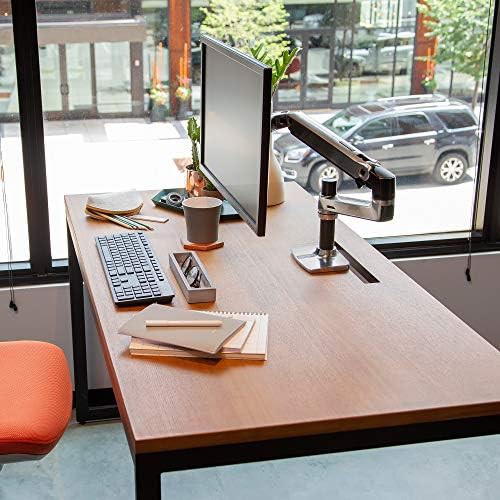
Ergotron
Polished aluminum LX single monitor arm
75x75 VESA Single C-Clamp monitor mounts Grommet base Aluminum
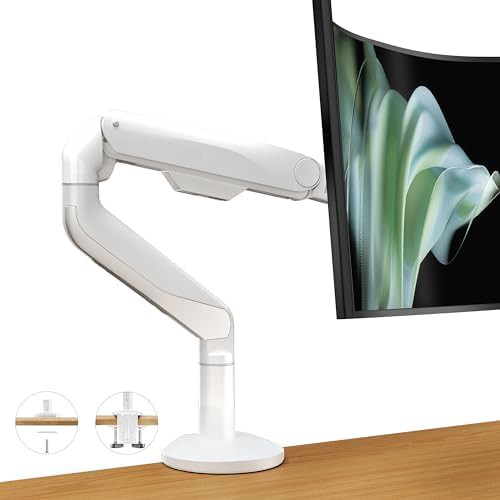
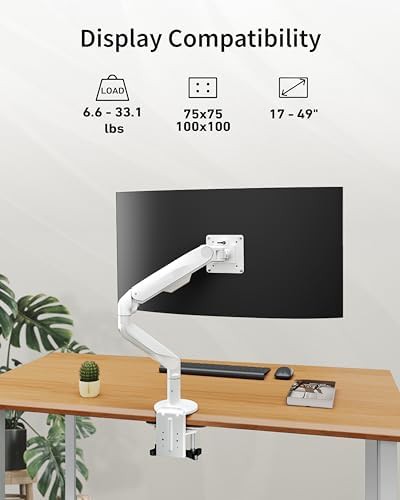
ergounion
Ultrawide White Gas Spring Mount
Up–49" 75x75 VESA Single C-Clamp monitor mounts Grommet base
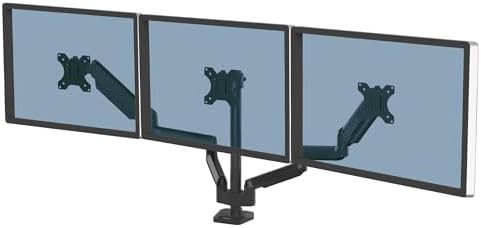

Fellowes
Platinum series triple monitor arm
Up–27" Black 75x75 VESA C-Clamp monitor mounts Grommet base
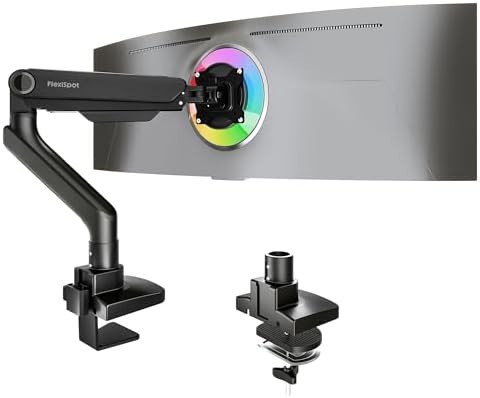
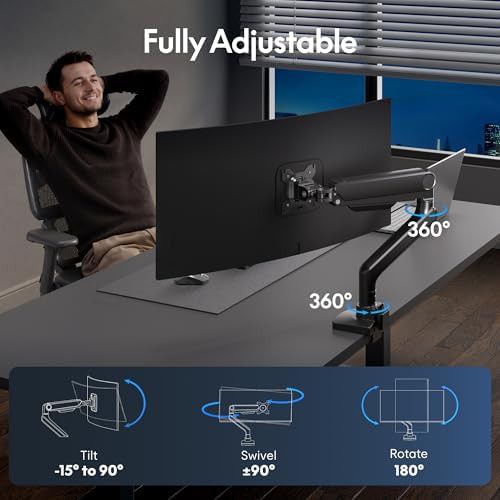
FLEXISPOT
Black ultrawide gas spring monitor arm
Up–49" Black 75x75 VESA Single C-Clamp monitor mounts
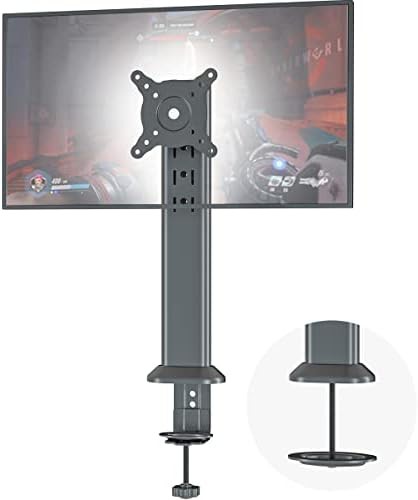
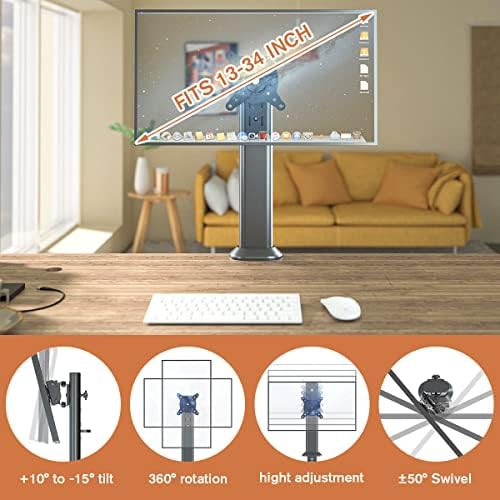
Hemudu
Heavy Duty Single Swivel Monitor Mount
13" Black 75x75 VESA Cheap Height adjustable monitor stands
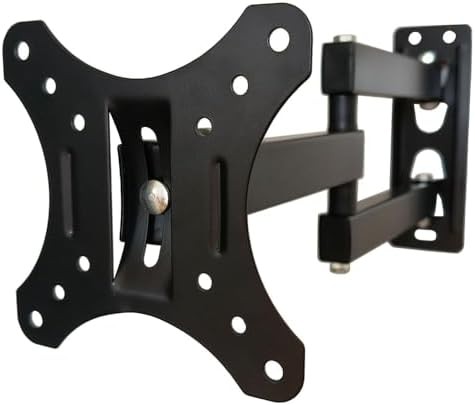
Hexcal
Heavy duty ultrawide monitor arm mount
75x75 VESA Single C-Clamp monitor mounts Grommet base Heavy duty
Ibergrif Griferias,S.L
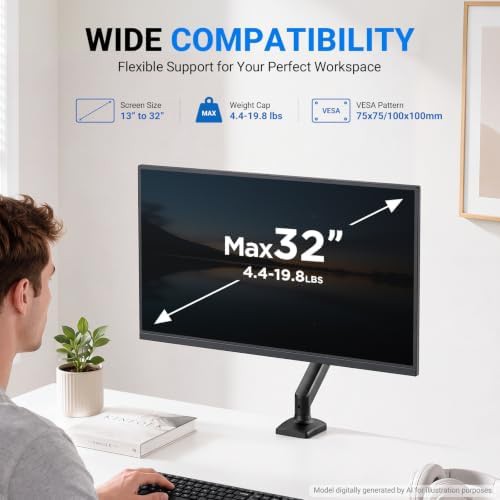
Single Gas Spring Office Monitor Mount
Up–32" 75x75 VESA Single Gas spring Cheap
Kantek
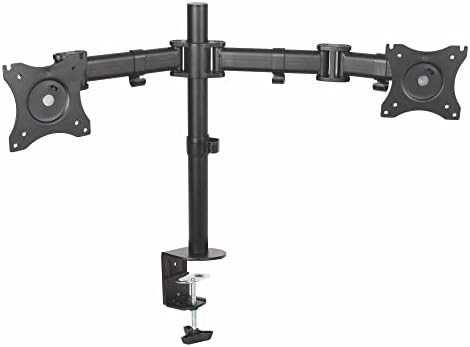
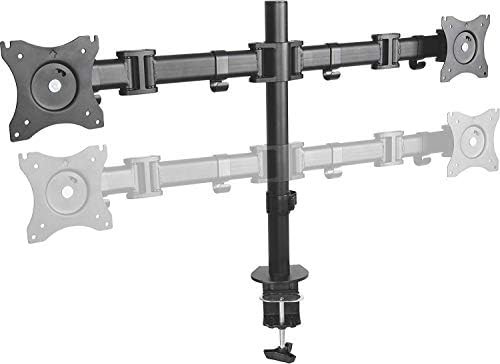
Dual articulating adjustable monitor arm
Up–27" 75x75 VESA Dual Grommet base Height adjustable monitor stands
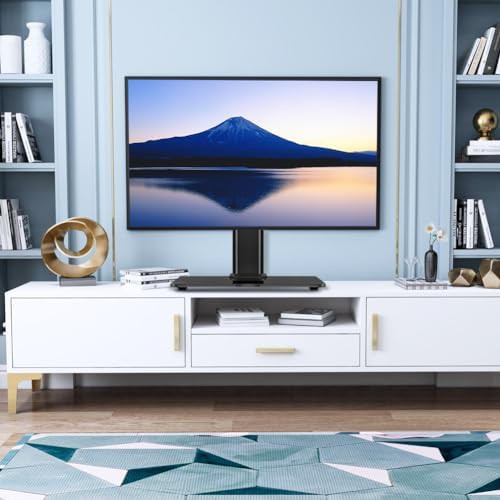
KKTONER
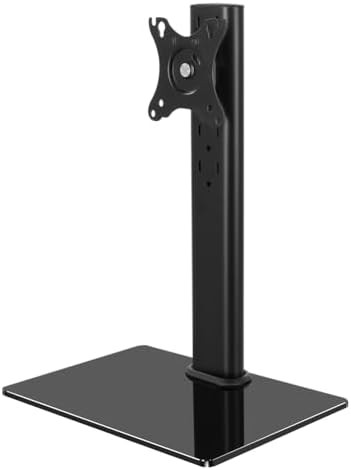
Freestanding Height Adjustable Single Monitor Stand
13" 75x75 VESA Single With cable management Cheap
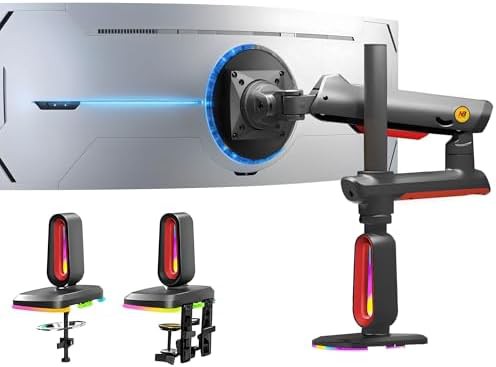
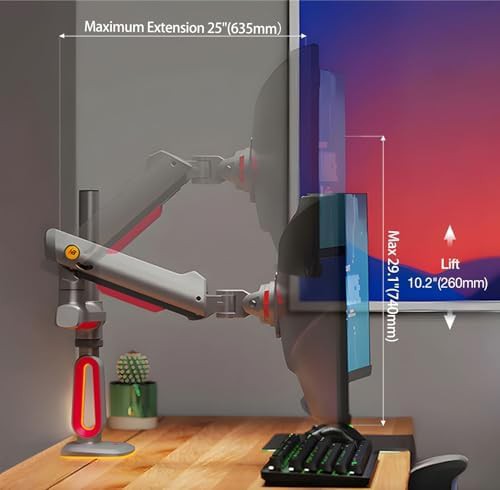
KUNSHAN HONGJIE ELECTRONICS
Red Gaming Monitor Arm with RGB Lighting
Up–32" Red 75x75 VESA Height adjustable monitor stands Aluminum
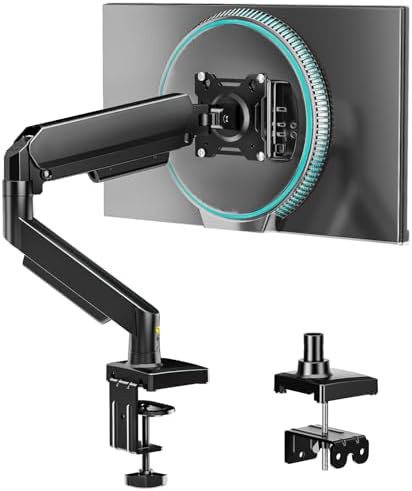
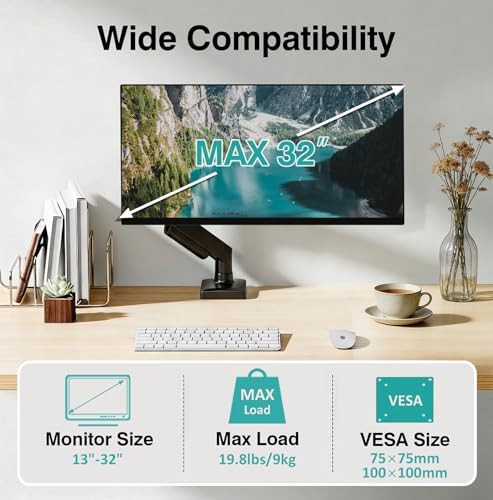
kuochi
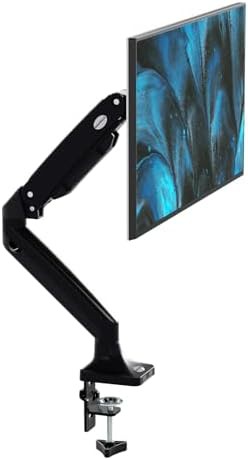
Aluminum gas spring single monitor mount
Up–32" 75x75 VESA Single C-Clamp monitor mounts Aluminum
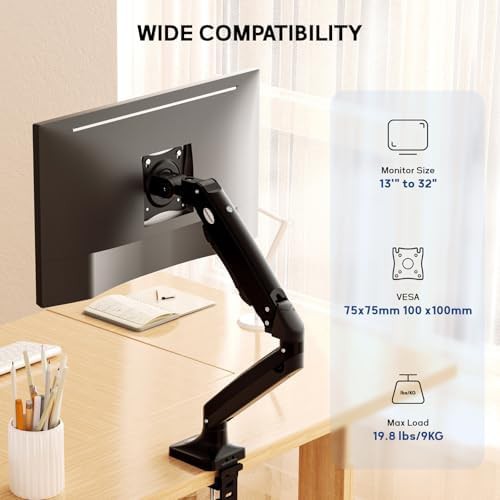
MEASUREMAN
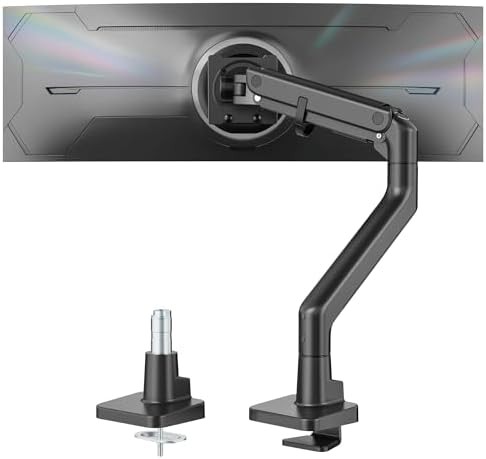
Premium gas spring articulating monitor arm
Up–35" 75x75 VESA Single Height adjustable monitor stands Gas spring
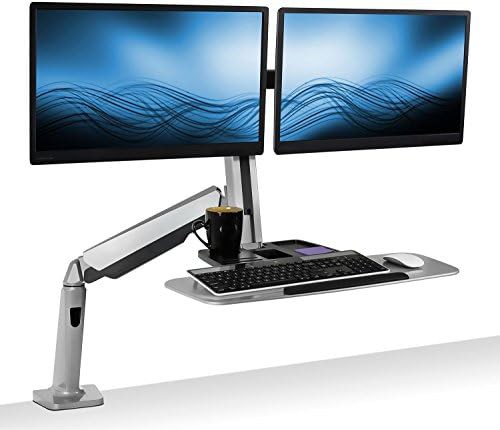
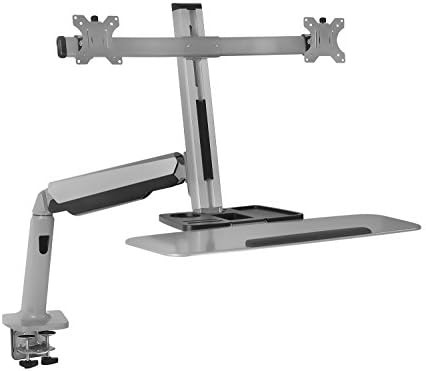
Mount-It!
Dual gas spring sit stand clamp mount
Up–27" 75x75 VESA Dual C-Clamp monitor mounts Height adjustable monitor stands
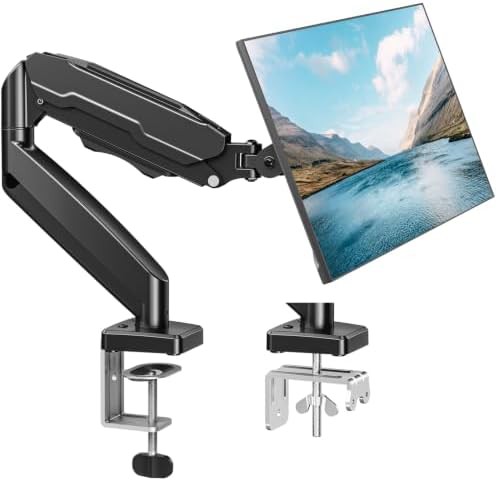
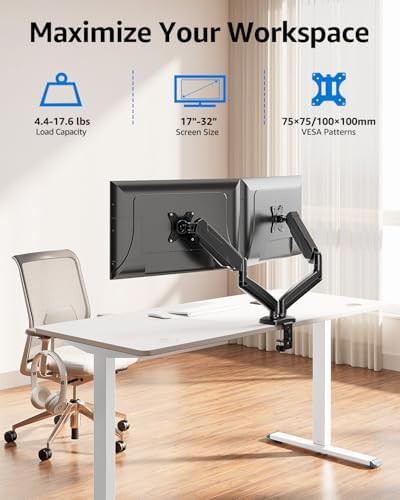
MOUNTUP
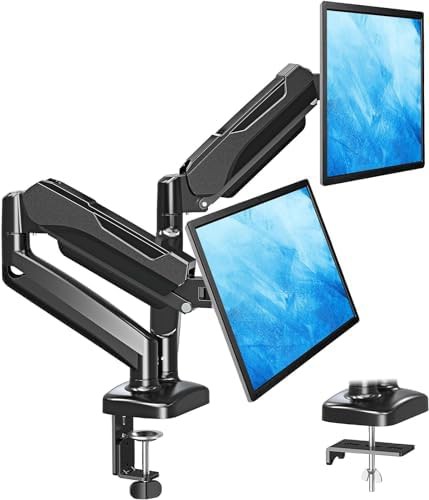
Dual height adjustable vesa monitor mount
Up–32" 75x75 VESA Dual C-Clamp monitor mounts Grommet base
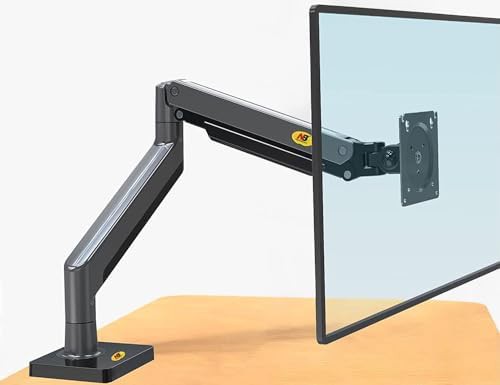
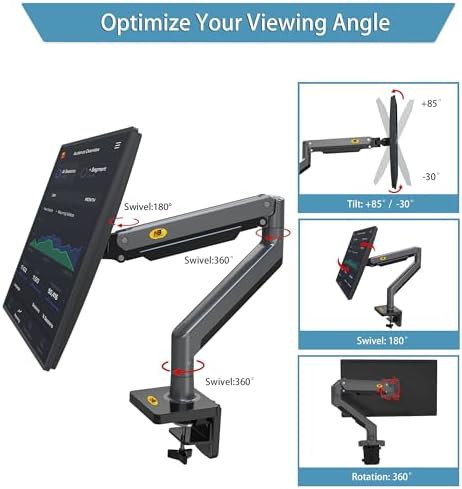
NB North Bayou
Full Motion Gas Spring Monitor Mount
75x75 VESA Height adjustable monitor stands Gas spring
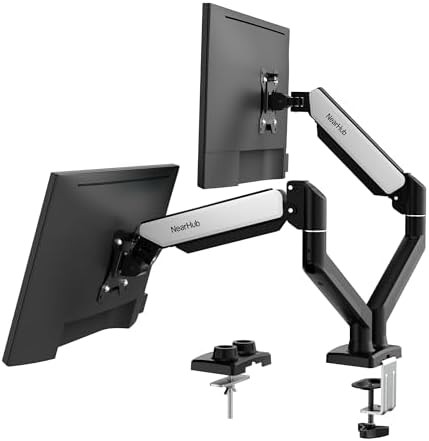
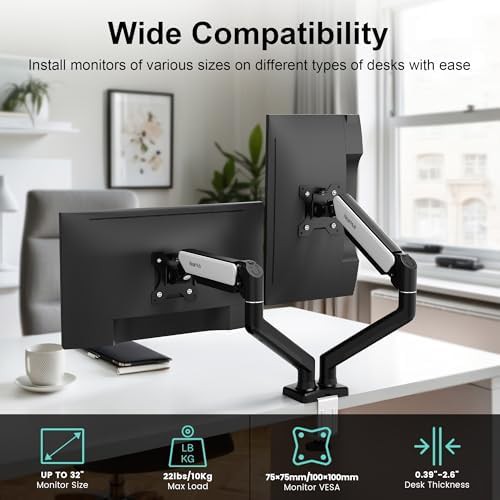
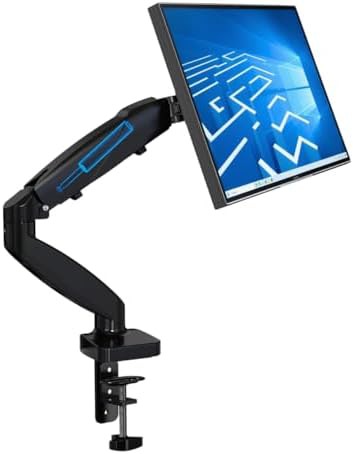
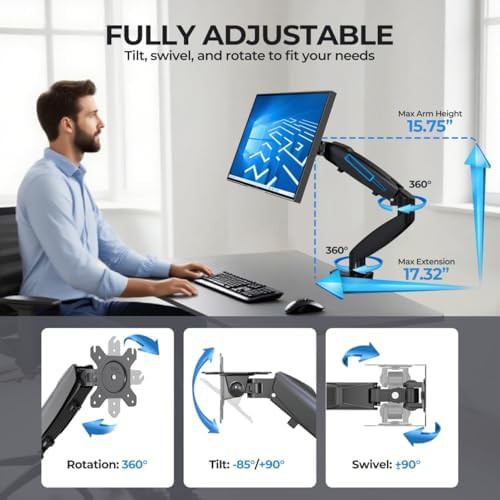
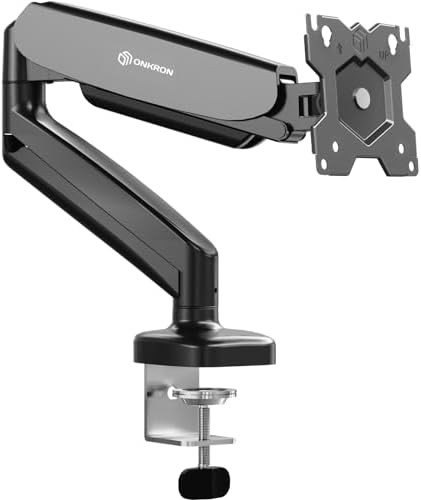
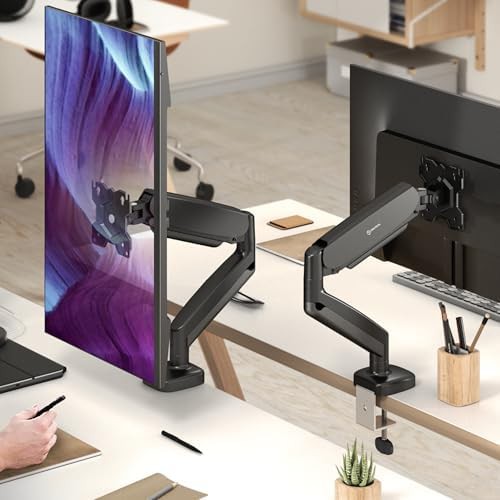
ONKRON TECHNOLOGY
Black Gas Spring Desk Mount for 32 Inch Screens
Up–32" Black 75x75 VESA Single Articulating
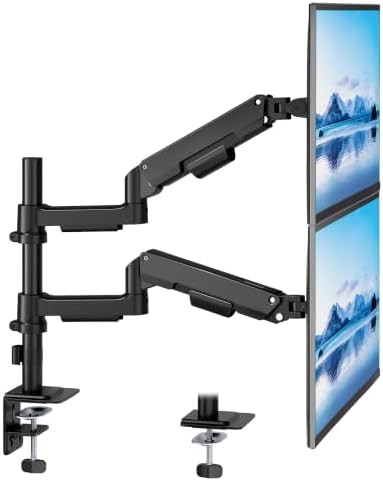
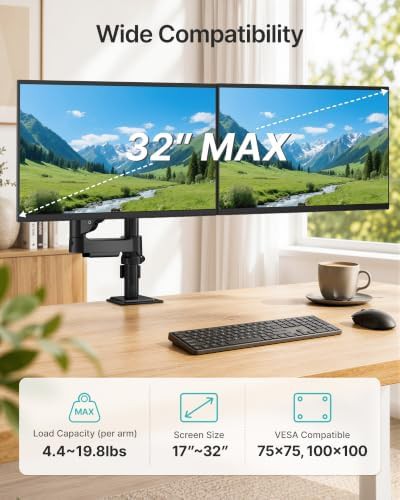
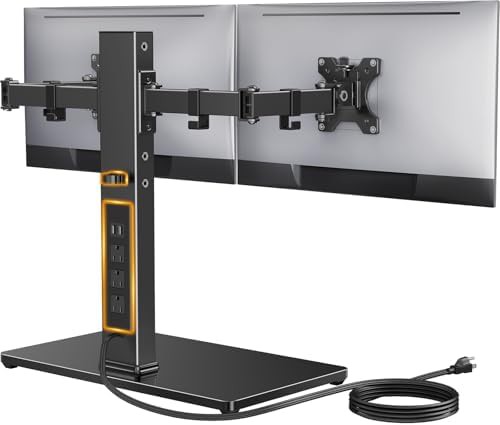
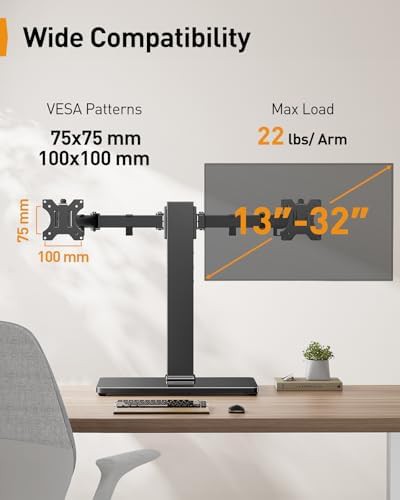
Perlegear
Freestanding dual glass base stand for 32 in
Up–32" 75x75 VESA Dual With cable management Freestanding monitor stands
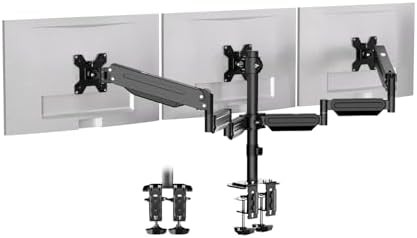
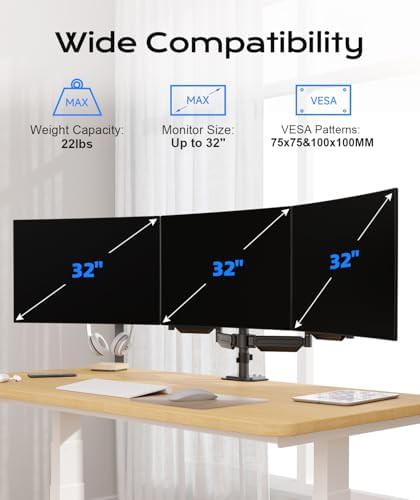
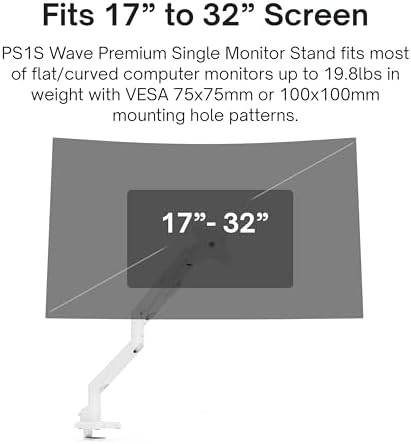
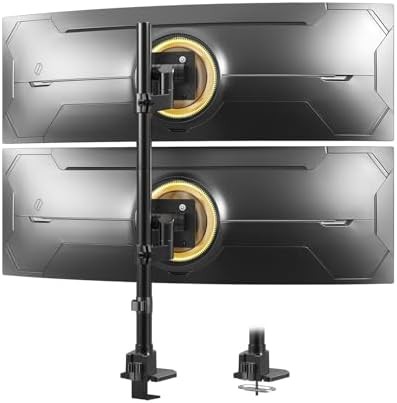
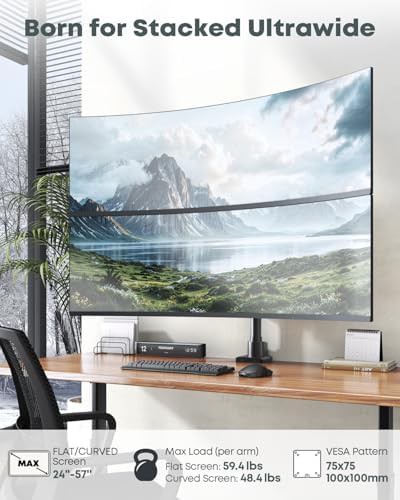
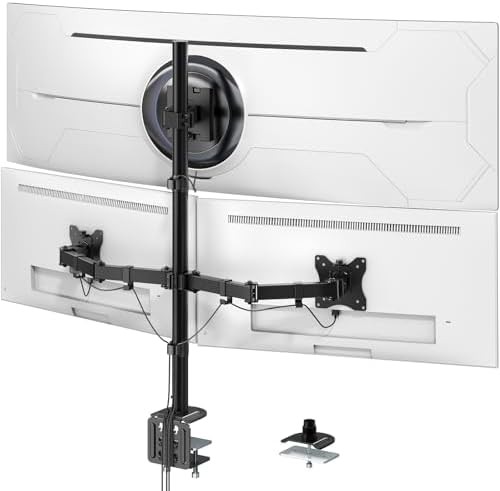
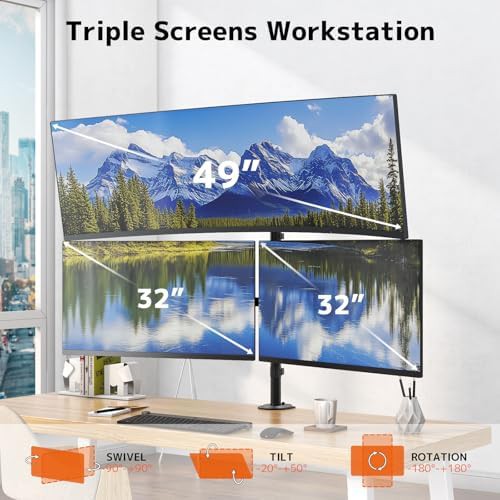
PUTORSEN
Triple Steel Ultrawide and Standard Monitor Mount
Up–49" 75x75 VESA Triple Steel monitor stands
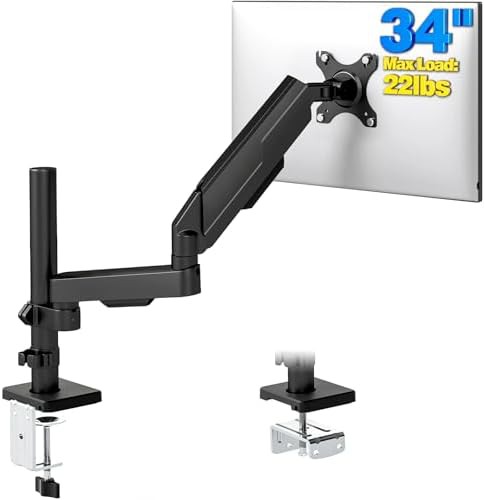
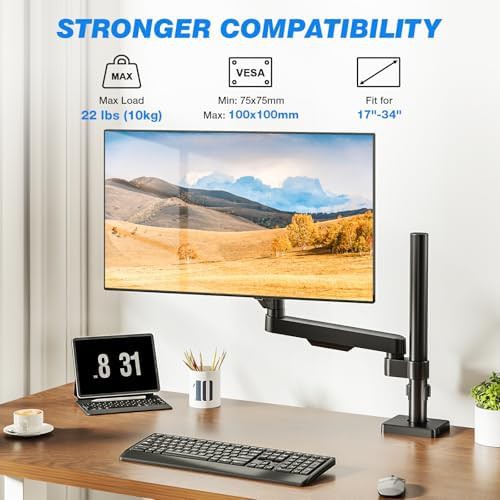
The Universal Standard for Desktop Ergonomics
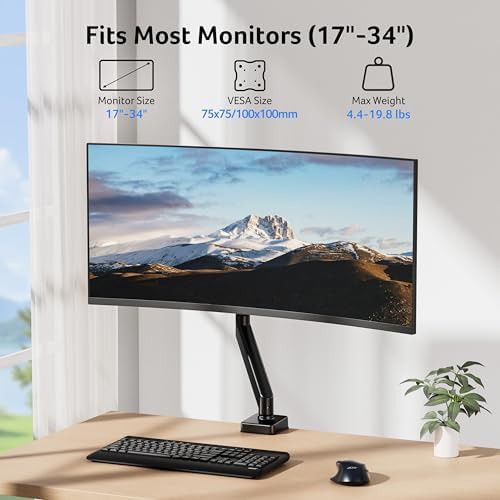
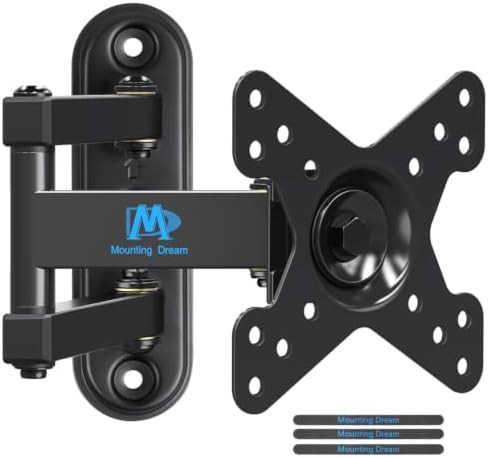
When you look at the back of a modern display, those four threaded holes arranged in a perfect square represent the bridge between a static desk and a dynamic workspace. The 100x100 VESA pattern is the most common interface for mid-sized screens, providing a secure anchor point for everything from lightweight 13 in panels to substantial 43 in displays. It is the foundation for a setup that prioritizes posture and eye level over the limitations of a factory-provided plastic stand.
This collection highlights mounts designed to handle the weight and leverage of standard office and gaming monitors. By moving the connection point to a mechanical arm, you reclaim the surface area directly beneath your screen, creating a cleaner aesthetic and more room for peripherals.
Versatile Mounting Configurations
The 100x100 catalog includes a variety of mechanical solutions tailored to specific workflow needs, whether you are managing a single ultra-wide or a complex multi-screen array.
Within this selection, you will find specialized hardware such as:
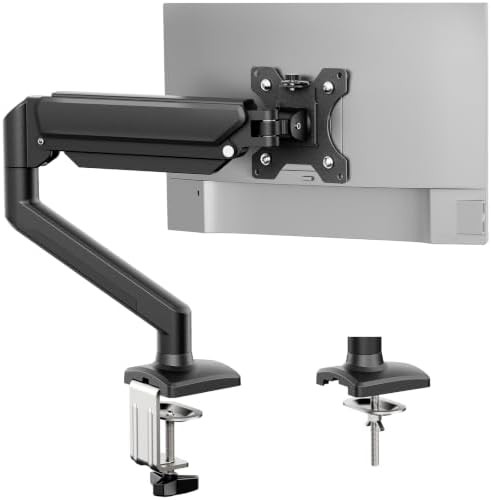
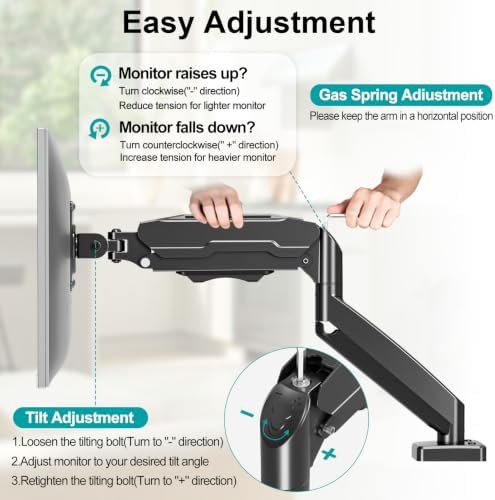
- Gas spring arms for effortless height adjustment and fluid motion
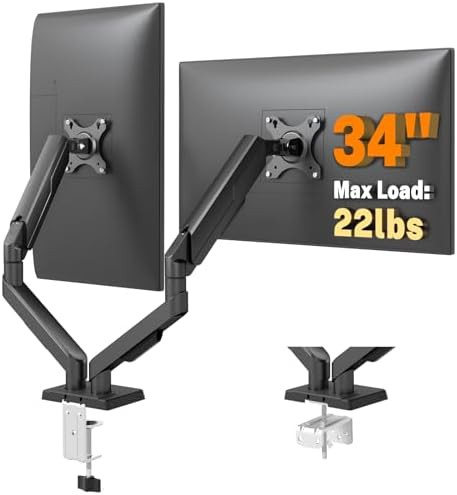
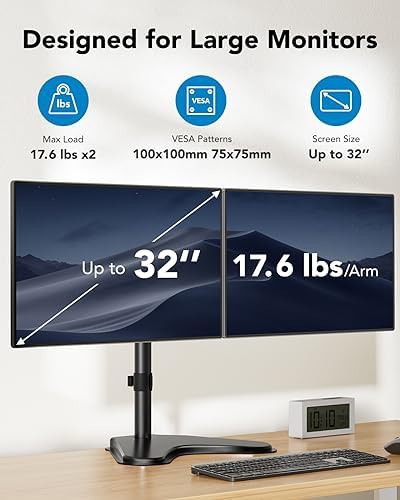
- Dual-monitor stands that align two 32 in screens side-by-side
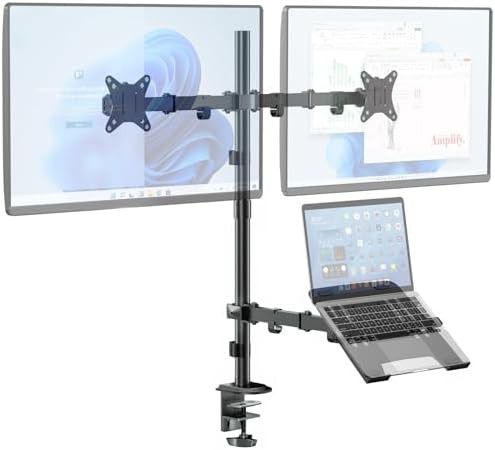
- Hybrid mounts featuring a laptop tray alongside a traditional monitor plate
- Heavy-duty risers capable of supporting screens up to 43 in
- C-clamp and grommet base options for non-permanent desk attachment
Optimizing Your Viewing Experience
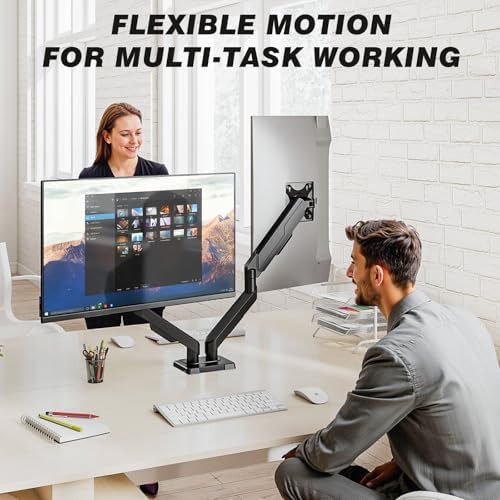
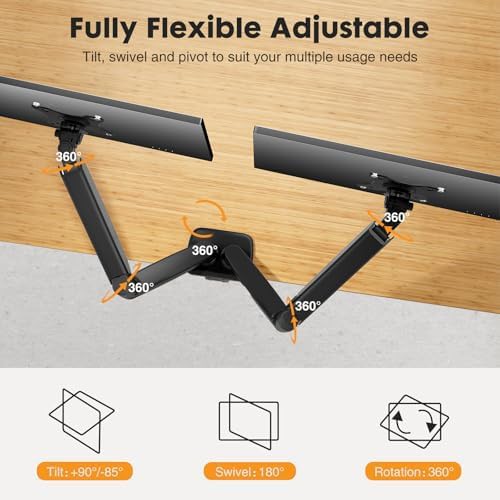
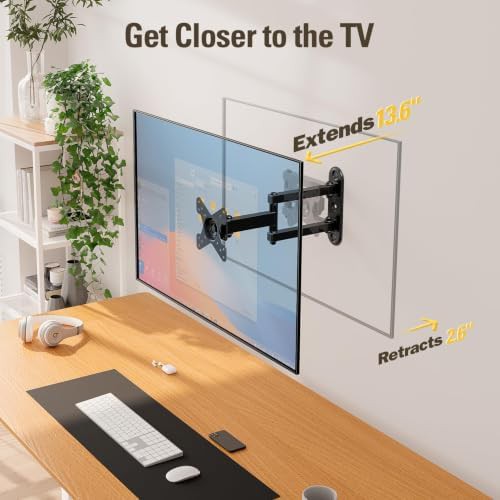
Selecting a mount from brands like VIVO, MOUNTUP, or BONTEC allows for a level of customization that standard stands cannot match. These arms offer full-motion capabilities, including tilt to reduce glare, swivel for sharing your screen with a colleague, and 360-degree rotation for switching between landscape and portrait modes. This flexibility is essential for developers, designers, and anyone spending long hours at a workstation.
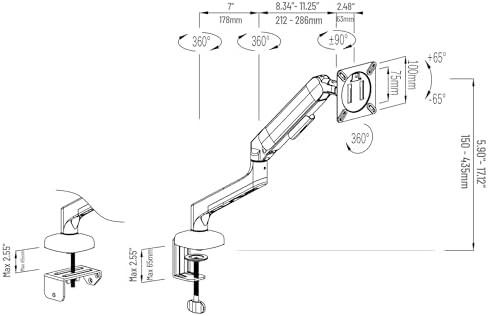
As you browse, consider the weight capacity of the arm relative to your specific monitor model. While the 100x100 pattern is standardized, the internal tension of a gas spring or the rigidity of a pole mount is what ensures your screen stays exactly where you place it without drifting.