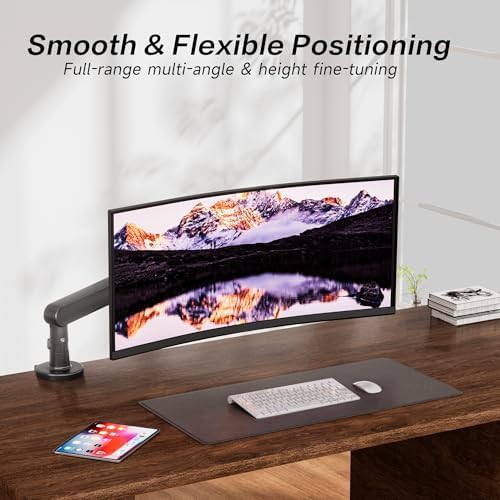
AOC
Gray Low Profile Gaming Monitor Bracket
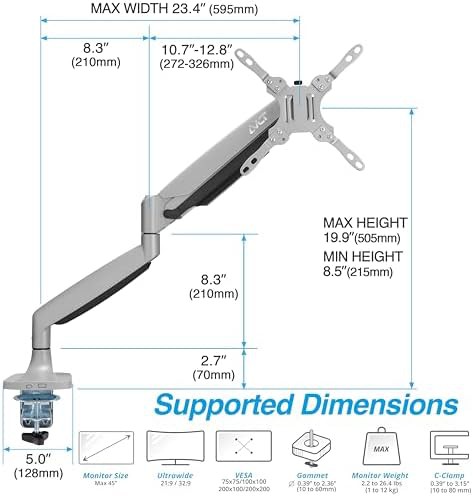
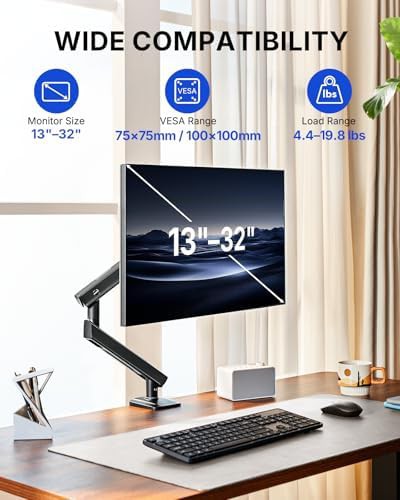
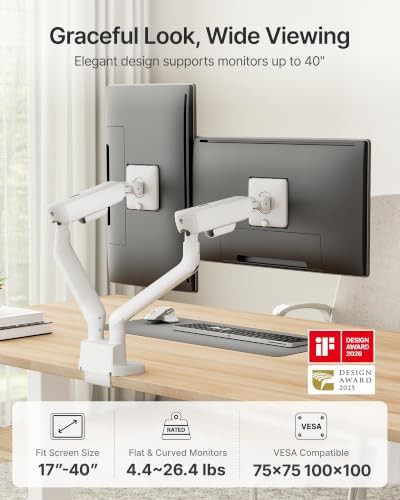
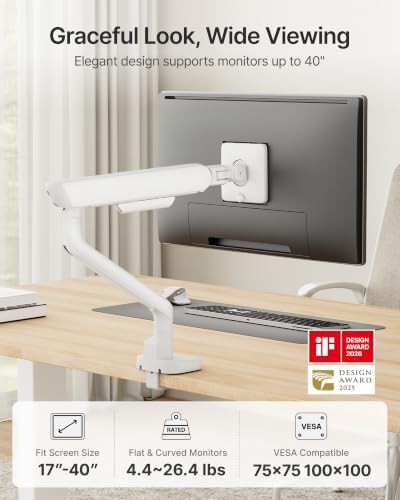
Gray 100x100 VESA 75x75 VESA Single C-Clamp monitor mounts Aluminum
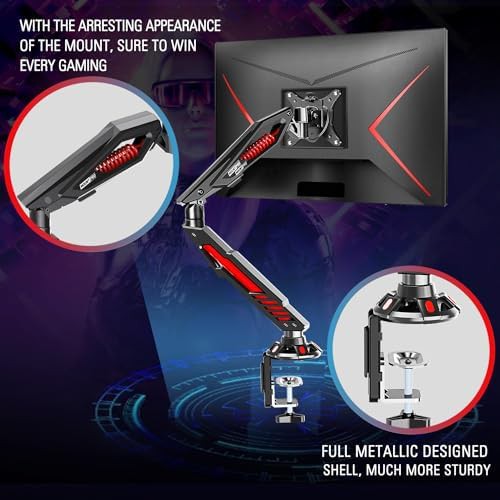
Durable internal springs offer reliable tension-based movement 32 arms · 13 brands
Gray 100x100 VESA 75x75 VESA Single C-Clamp monitor mounts Aluminum
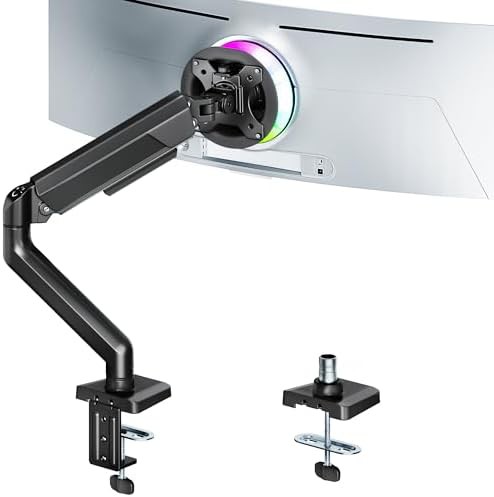
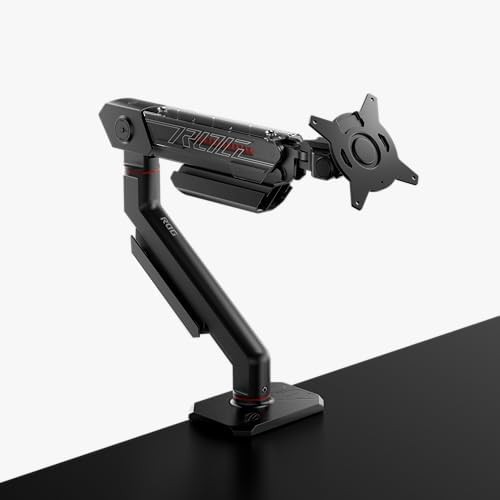
Black Single Gaming monitor mounts Office With cable management
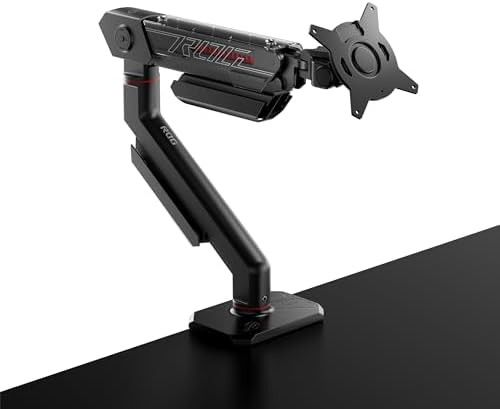
100x100 VESA Height adjustable monitor stands With cable management
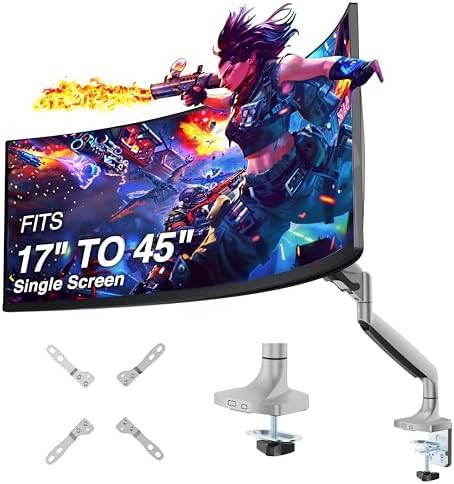
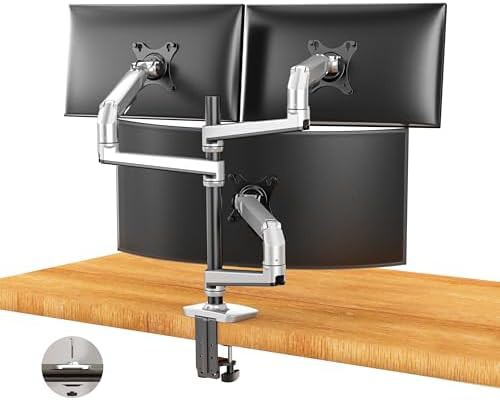
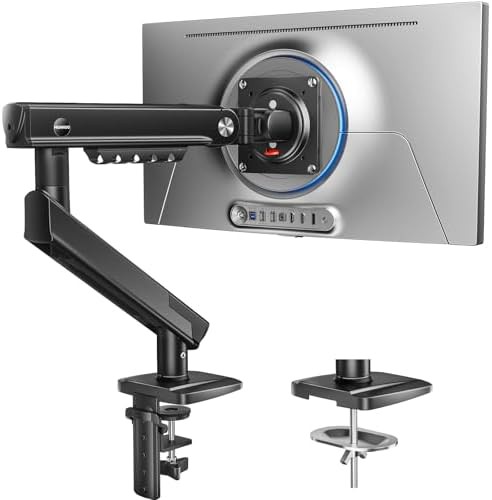
Up–32" 100x100 VESA 75x75 VESA Single C-Clamp monitor mounts Cheap
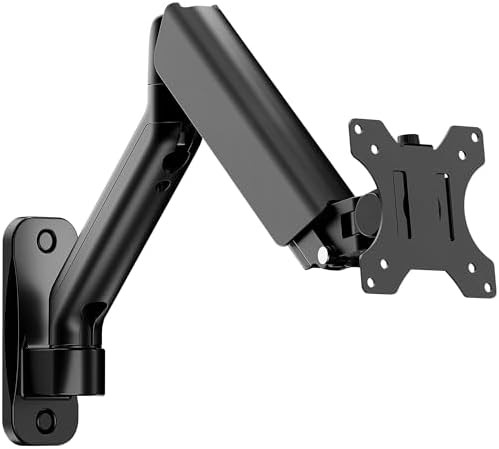
Up–27" 100x100 VESA 75x75 VESA Single Cheap Aluminum
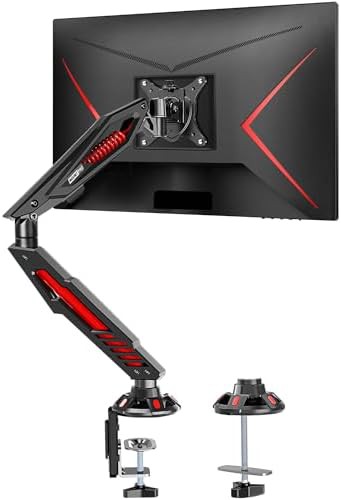
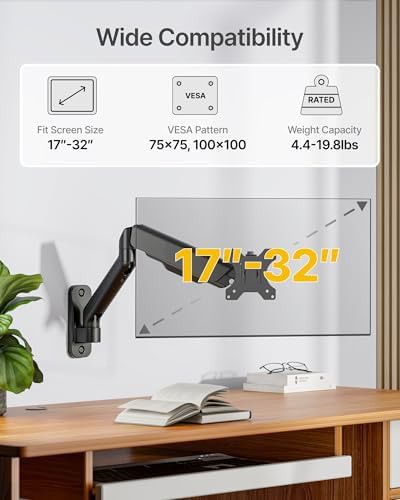
Up–32" 100x100 VESA 75x75 VESA Single C-Clamp monitor mounts Gaming monitor mounts
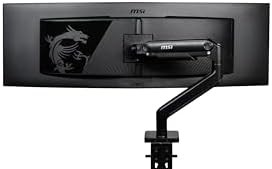
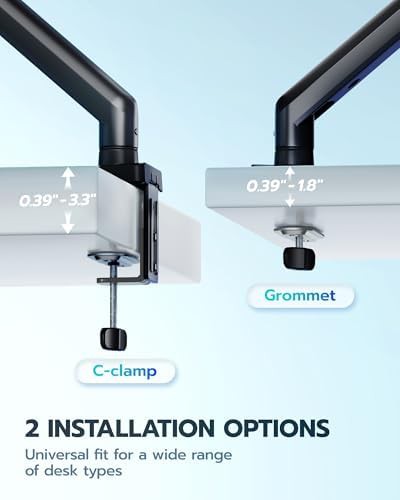
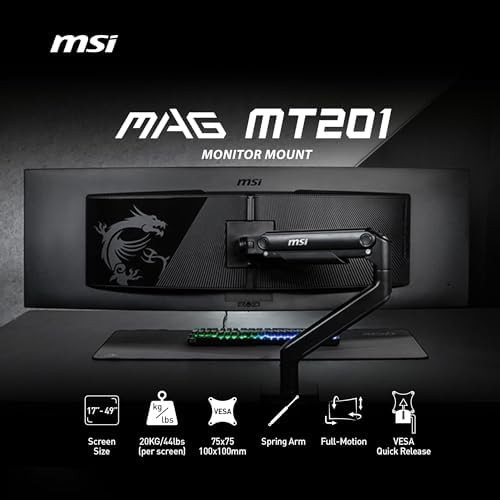
Up–49" Black Single C-Clamp monitor mounts Grommet base Heavy duty
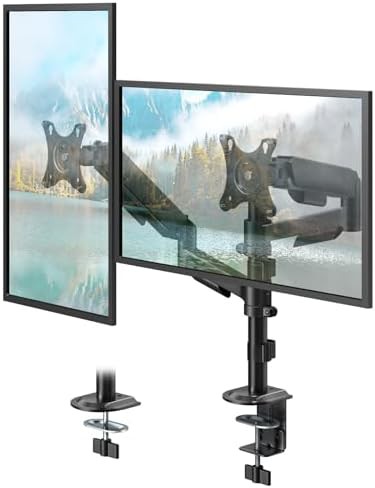
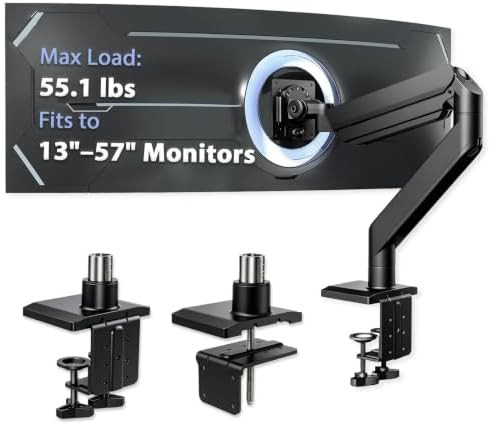
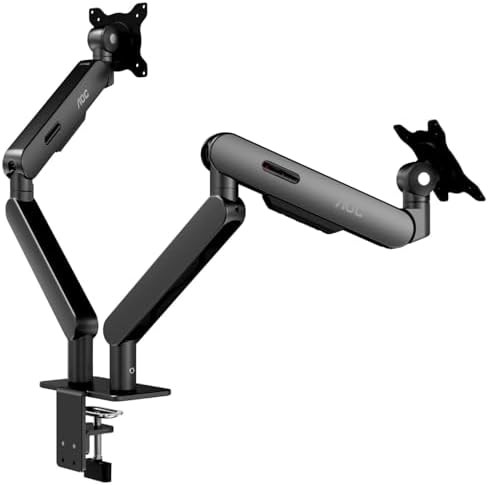
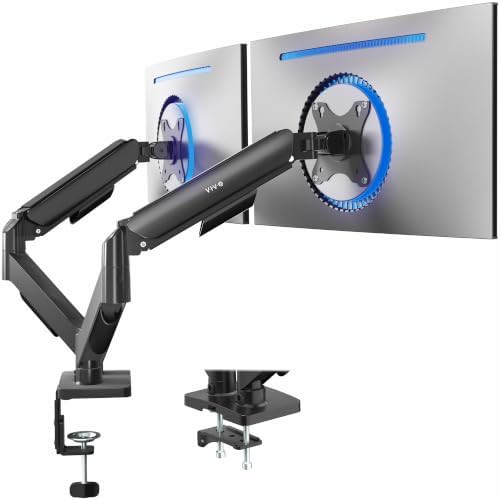
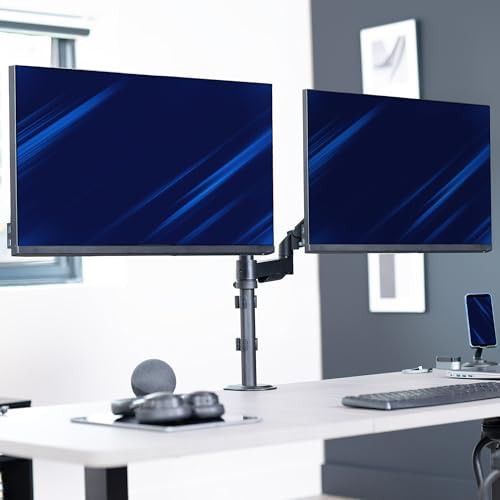
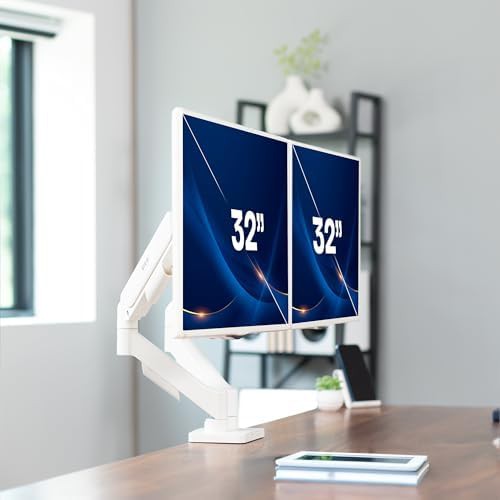
Up–32" Black 100x100 VESA 75x75 VESA Dual Articulating
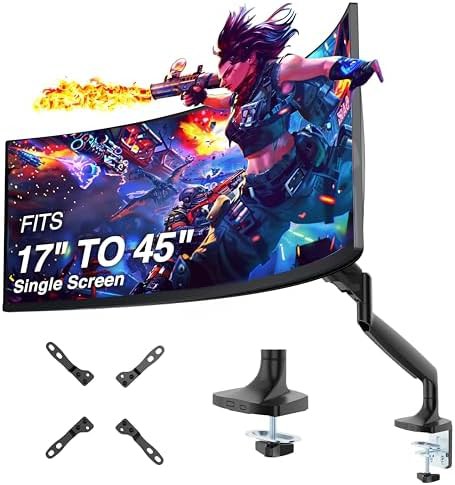
17" Black 100x100 VESA 75x75 VESA Single With cable management
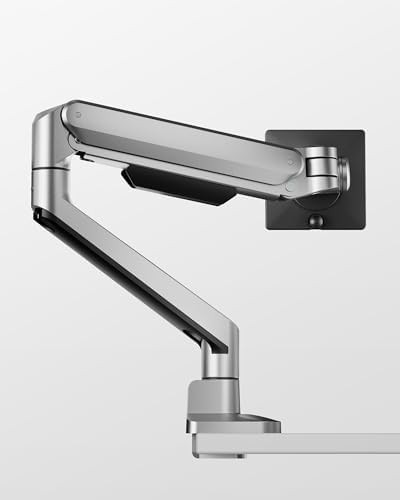
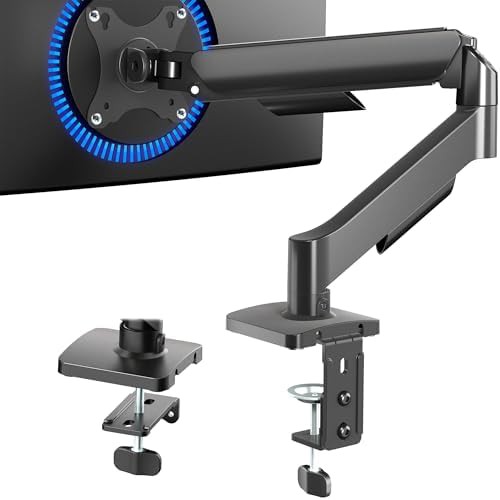
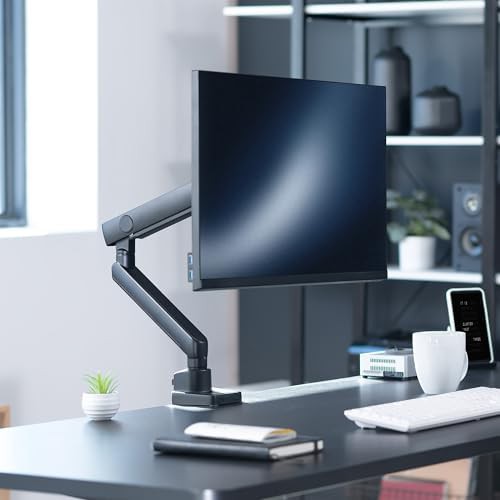
Up–32" Black 100x100 VESA 75x75 VESA Single Articulating
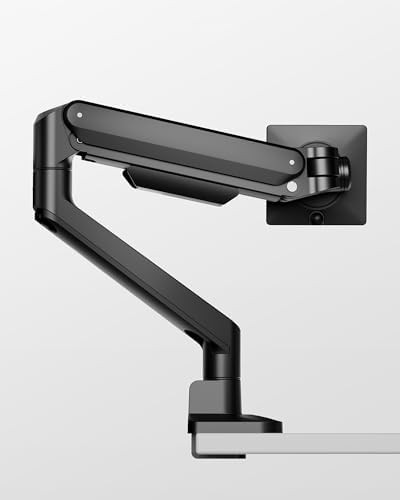
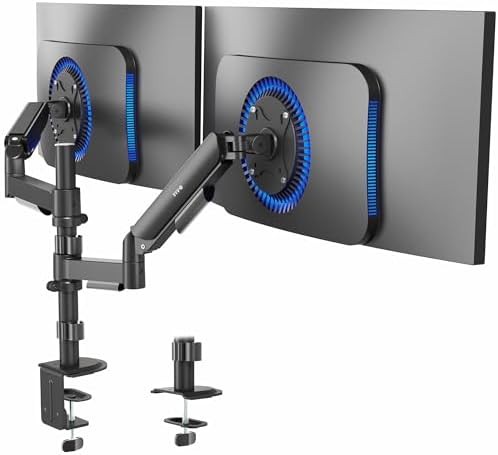
Up–32" Black 100x100 VESA 75x75 VESA Dual C-Clamp monitor mounts
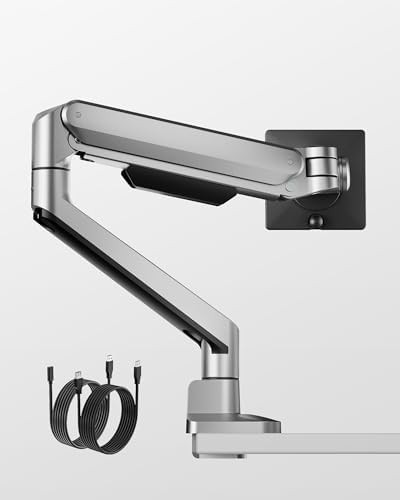
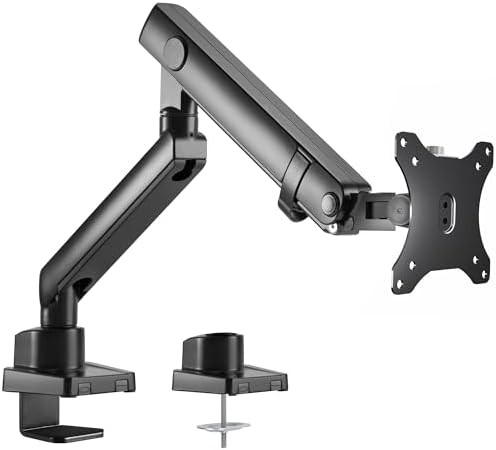
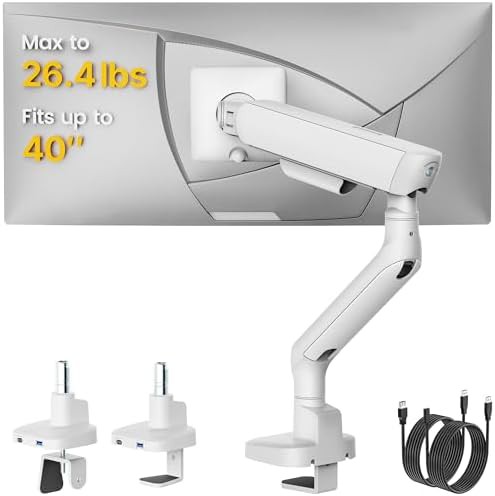
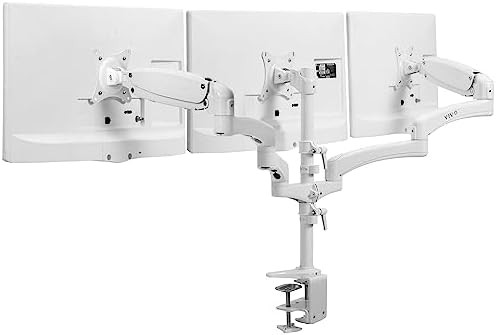
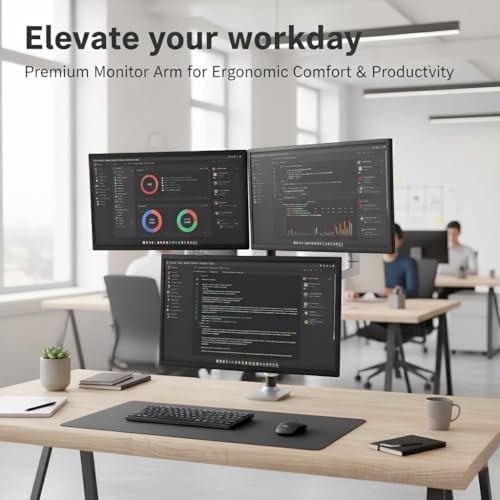
Up–32" 100x100 VESA 75x75 VESA C-Clamp monitor mounts Triple
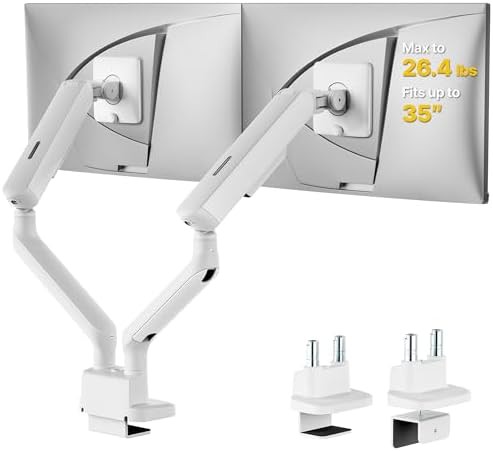
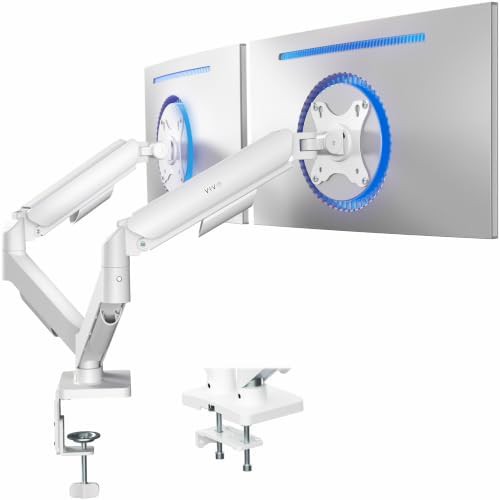
Up–32" 100x100 VESA 75x75 VESA Dual Gaming monitor mounts Articulating
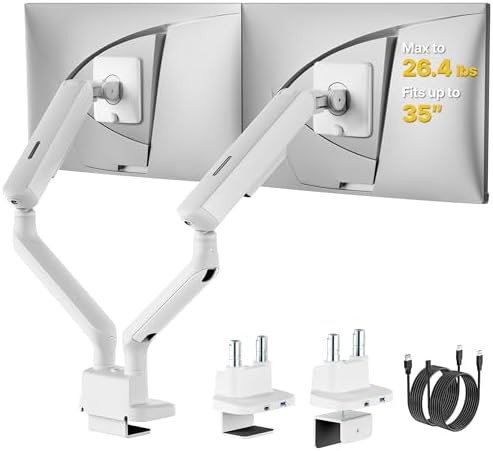
Up–27" 100x100 VESA 75x75 VESA Dual Gaming monitor mounts
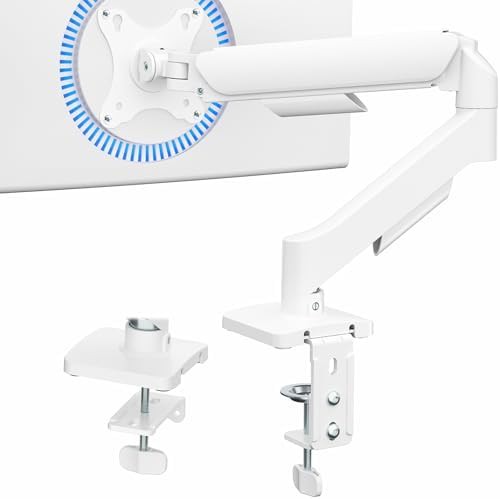
Up–32" 100x100 VESA 75x75 VESA Single Gaming monitor mounts Articulating
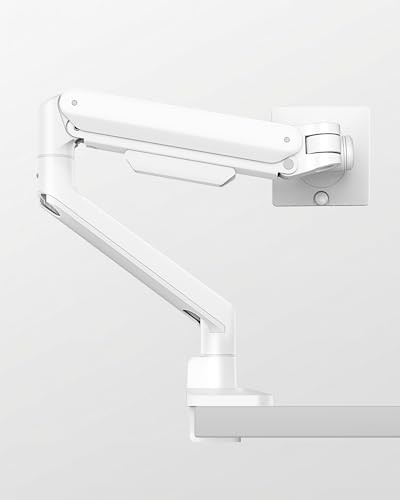
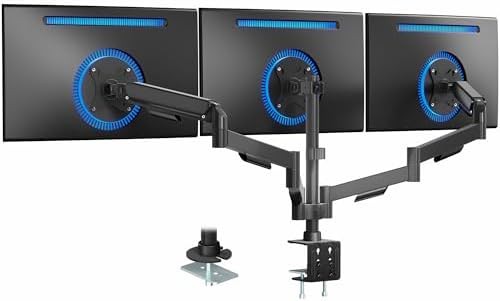
Up–27" Black 100x100 VESA 75x75 VESA C-Clamp monitor mounts Grommet base
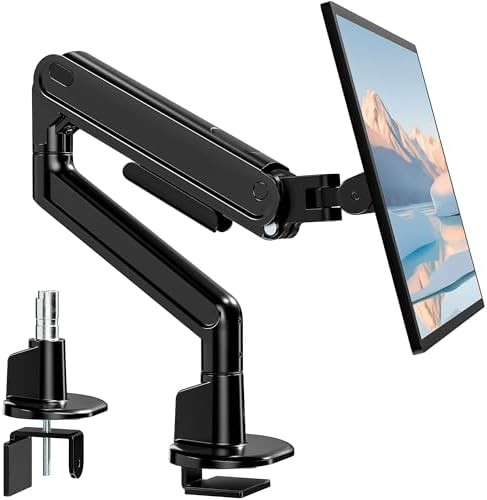
Black 100x100 VESA 75x75 VESA Single Heavy duty Aluminum
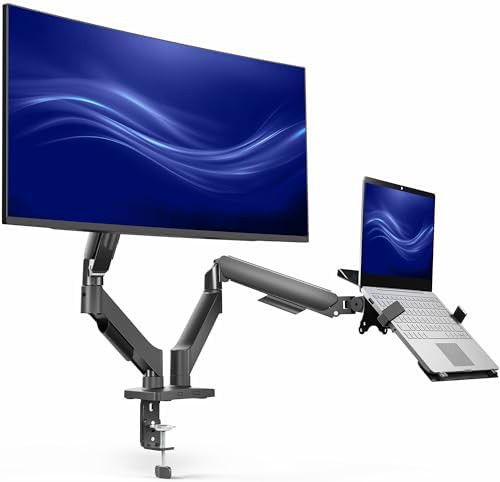
15.6" Black 100x100 VESA 75x75 VESA C-Clamp monitor mounts Dual
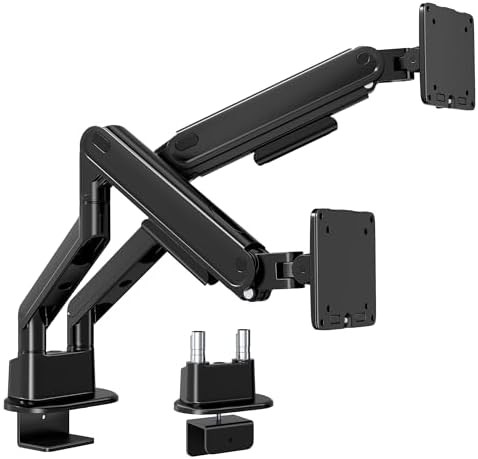
Black 100x100 VESA 75x75 VESA Dual Heavy duty Aluminum
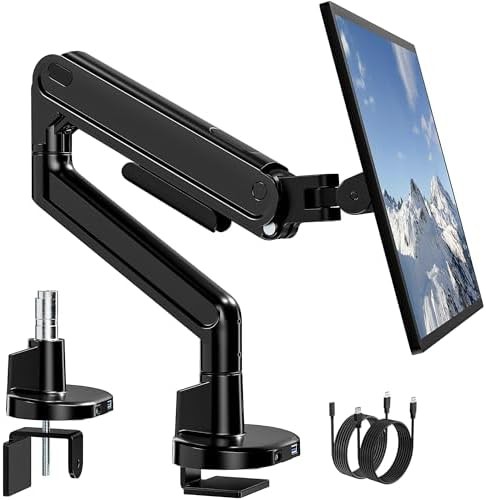
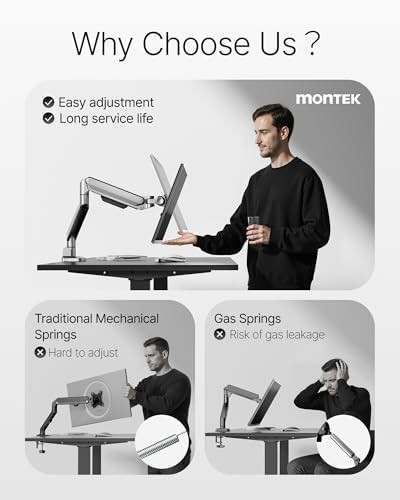
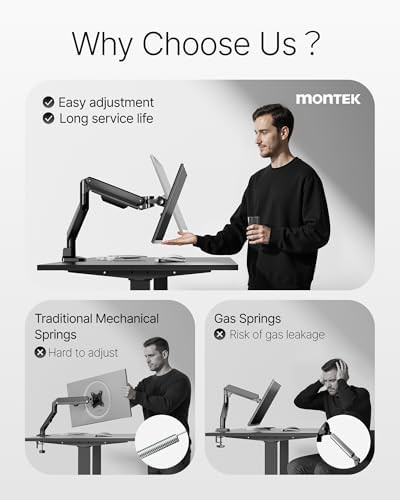
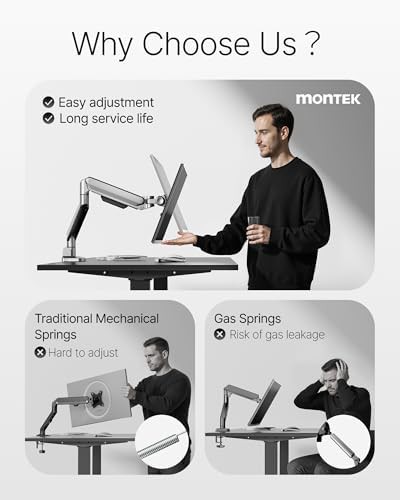
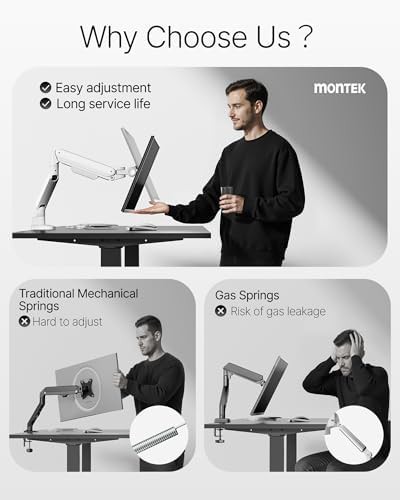
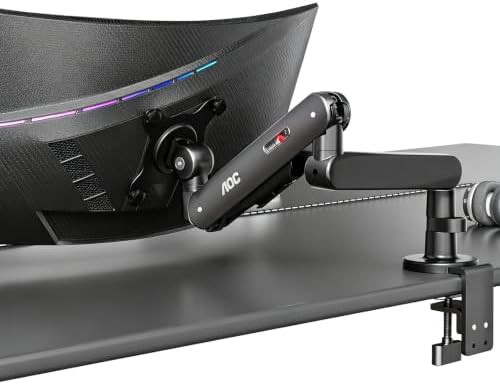
Mechanical spring monitor arms offer a tactile and durable solution for users who frequently reposition their screens. Unlike gas-piston alternatives, these internal spring mechanisms rely on physical tension to counterbalance the weight of your display. This results in a consistent feel over years of use, making them a favorite for high-traffic workstations and gaming setups where the monitor is often pulled forward or pushed back.
The atmosphere of a spring-equipped desk is one of precision. The articulating arms allow for effortless height adjustment and tilt, ensuring that whether you are leaning in for a detailed design task or sitting back for a video call, your screen follows your lead without sagging.
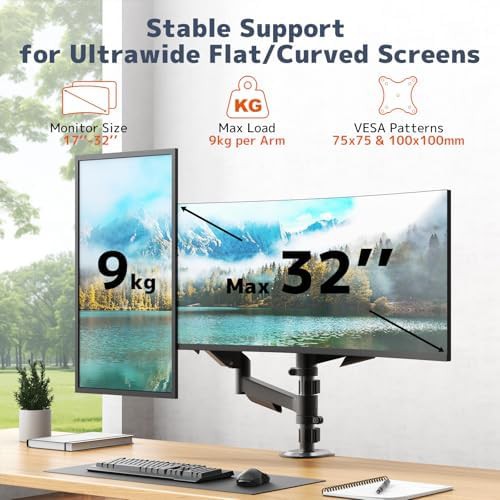
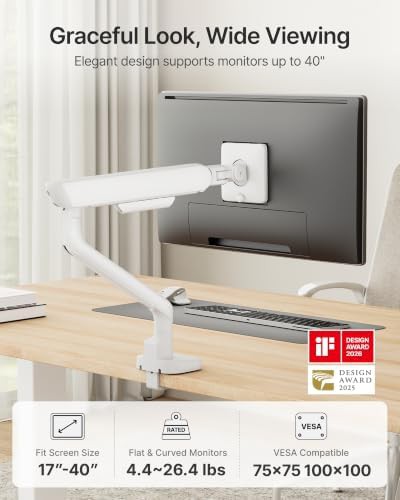
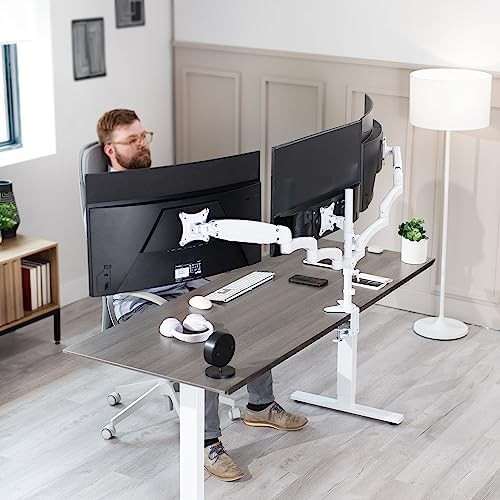
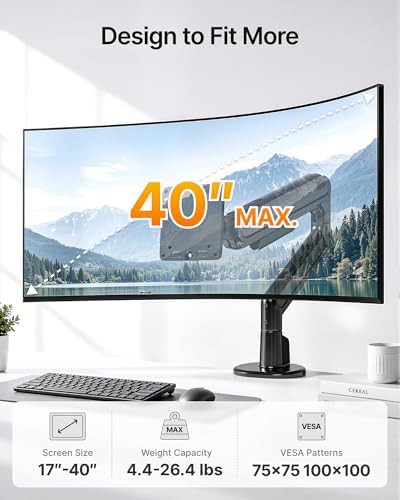
The selection in this category highlights premium aluminum builds and heavy-duty lift engines from manufacturers like ergounion and MOUNT PRO. These arms are specifically tuned to handle the increased mass of modern curved and ultrawide panels.
Key features found in this collection include:
Integrating a mechanical spring arm into your office setup provides a level of flexibility that fixed stands cannot match. The ability to rotate a screen into portrait mode or tilt it to reduce glare is essential for long-term comfort. Because these arms use mechanical tension, they are often easier to calibrate for specific monitor weights, ensuring the display stays exactly where you leave it.
As you explore these options, look for the 'lift engine' or 'mechanical articulating' labels which signify this specific tension technology. Once you have identified the arm that matches your screen count and weight requirements, proceed to the product details to see how it integrates with your current desk.